
Canva Pro
A designer's dream for non-designers
Tool Overview
Tool Type
Template-led, all-in-one visual design platform for marketing teams and non-designers
Core Purpose
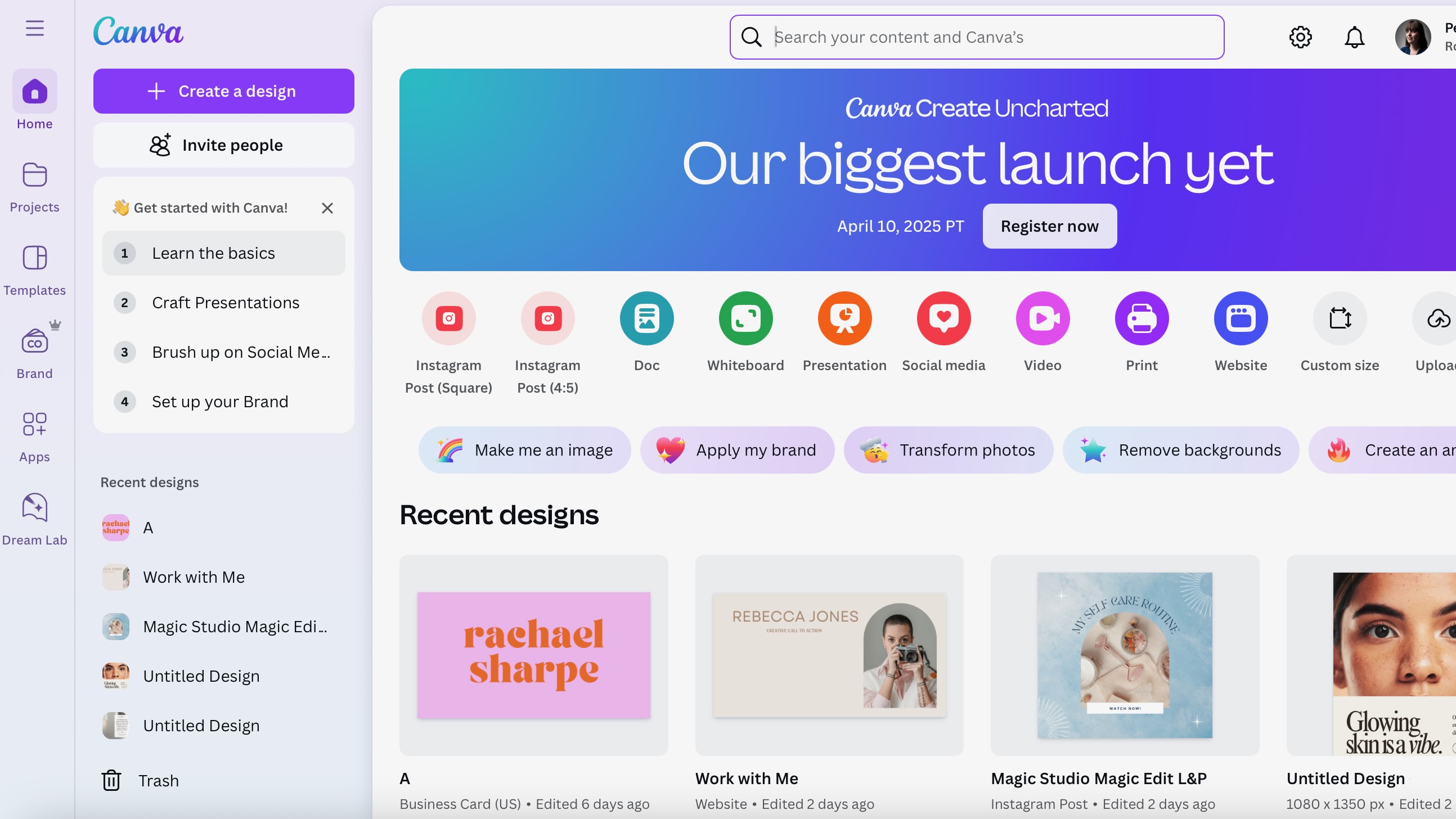
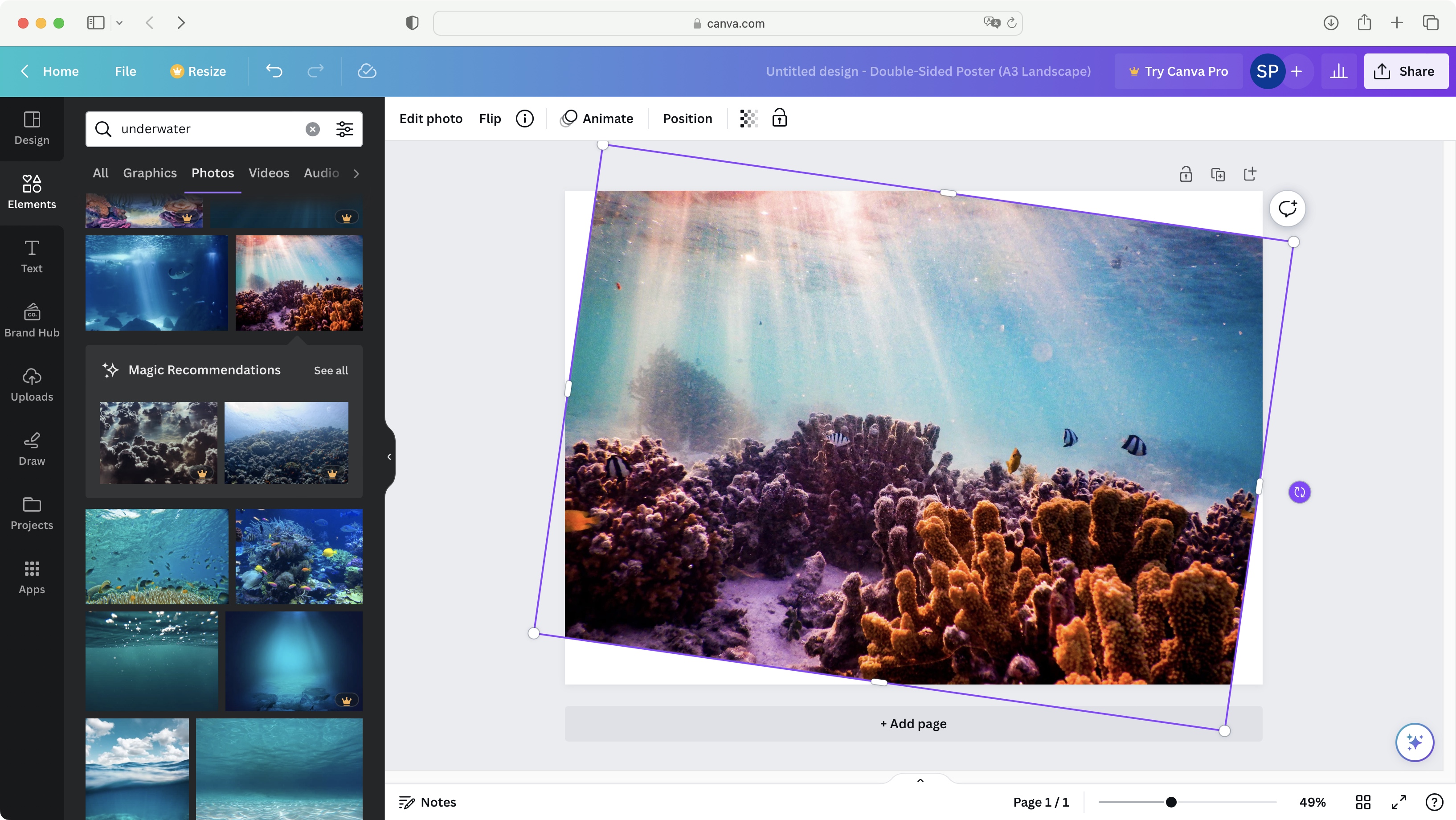
Canva Pro is built to remove friction from everyday visual content creation in marketing teams. Its core purpose is not to replace professional design tools, but to make high-quality, on-brand visuals accessible to everyone who needs to create content as part of their job. The platform focuses on speed, consistency, and scalability. Templates, brand kits, and shared asset libraries ensure that teams can produce visuals that look cohesive across channels without deep design knowledge or ongoing designer involvement. This is especially valuable for teams with high content volume and limited creative resources. Canva Pro also acts as a lightweight brand enforcement layer. Locked templates and style controls reduce the risk of off-brand assets while still allowing teams to move quickly. Collaboration features enable fast feedback and iteration without complex workflows or handoffs. In practice, Canva Pro excels as a production tool for marketing execution. It helps teams spend less time on layout decisions and tool training, and more time on messaging, campaigns, and distribution.
"Templates, brand kits, and shared asset libraries ensure that teams can produce visuals that look cohesive across channels without deep design knowledge or ongoing designer involvement"
Screenshots



The Perfect Tool For...
- •Marketing teams, content creators, and small to mid-sized businesses
- •High-volume visual production without relying on design expertise
- •Fast creation of on-brand content across multiple channels
Avoid If...
- •You need pixel-perfect vector control or component-based design systems
- •Developer handoff, advanced interaction design, or production-grade motion are core requirements
Ideal Use Cases
Social media posts and ads
Create engaging visual content for social platforms
Presentations and internal decks
Build professional slides quickly
Quick videos, animations, and general marketing collateral
Produce varied marketing assets efficiently
Canva Pro has been recommended by Find Your Martech 19 times.
Detailed Evaluation
Organizational Fit for Canva Pro
Early-stage start-up / solo
goodSmall team / agency
goodSMB / growing company
limitedEstablished / large org
limitedFind Your Martech Scores for Canva Pro
Q1: What is your primary use case for design tools?
Q2: What design assets do you need to create? (Multiple selections possible)
Q3: How important is it that your designs can be reused outside the original tool?
Q4: What is your or your team's design experience level?
Q5: How important is brand consistency for you?
Q6: Does this tool need to connect with any of the following? Select all that apply - or skip if not relevant.
Key Features
Strengths
- Extremely fast output for marketing teams
- Broad template and asset coverage for non-designers
- Strong brand consistency without design system overhead
Weaknesses
- Not suitable for precise vector workflows or developer handoff
- Performance can degrade with complex or oversized projects
- Advanced motion and interaction features are limited
Website/CMS Tool Synergies — Canva Pro
These are website and CMS tools that work particularly well with Canva Pro.
Wix users frequently rely on Canva for marketing visuals, banners, and page assets.
Canva is commonly used to create visuals for Squarespace content and landing pages.
Ecommerce teams use Canva for product visuals, promotions, and storefront assets.
Content and marketing sites routinely use Canva for graphics and visuals.
Marketing teams pair HubSpot CMS with Canva for campaign and content assets.
Workflow/PM Tool Synergies — Canva Pro
These are workflow and project management tools that work particularly well with Canva Pro.
Marketing teams manage asset creation workflows in Asana while producing designs in Canva.
Lightweight content and marketing workflows pair Trello boards with Canva designs.
Marketing teams use Monday to coordinate Canva-based content creation.
Content teams manage high-volume design output in ClickUp.
Content operations teams use Airtable to manage high-volume design assets.
Cost Profile
🏷️ Mid-market · Free plan · Increases quickly
Free plan works well for individuals. Costs scale per user and rise quickly for teams that need brand controls, collaboration, and governance features.
Alternatives
Explore More Reviews
Want Personalized Tool Recommendations?
Take our questionnaire to get customized recommendations based on your specific needs, team size, and budget.
Start the QuizStop Wasting Time on the Wrong Tools
Stop wasting time (and budget) testing endless marketing tools that don't actually fit your needs. Every business is different, your goals, team size, workflow, and growth stage all require a tailored solution, not a generic "top 10 tools" list. Our service helps you cut through the noise: a simple questionnaire-style quiz analyzes how you work and delivers clear, practical recommendations for the marketing tech that truly suits you.
