
Framer
Design-native website builder
Tool Overview
Tool Type
Visual website builder
Core Purpose
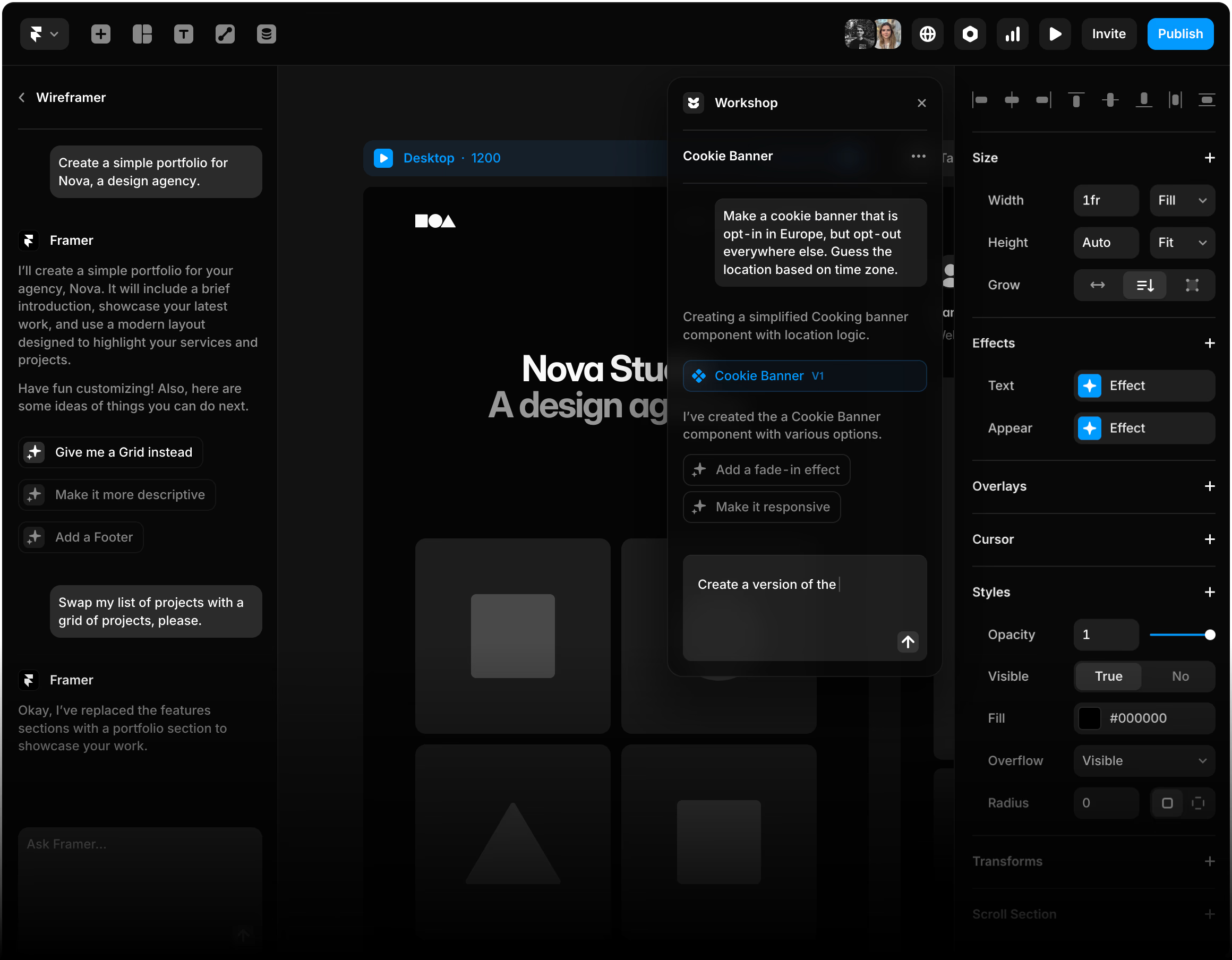
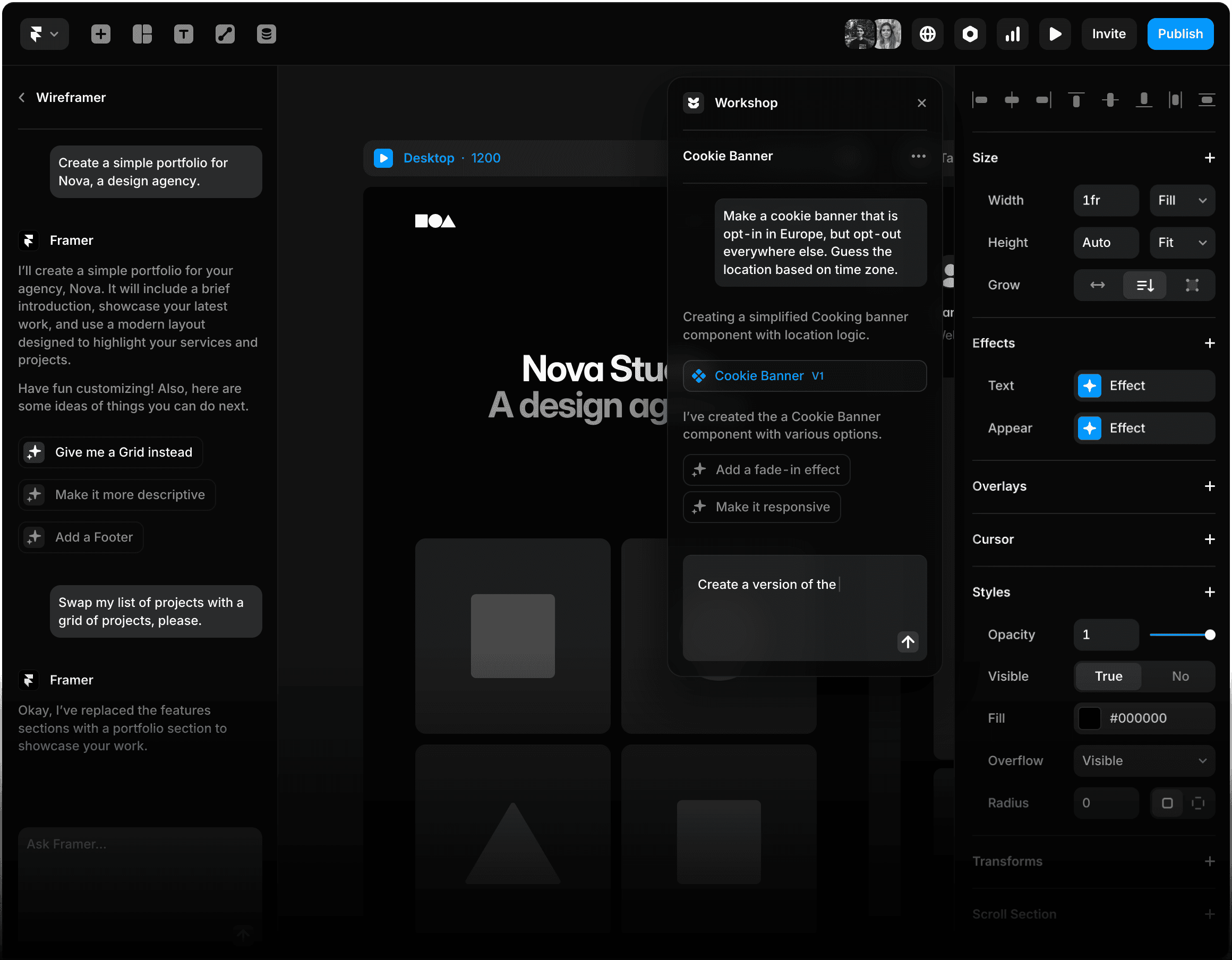
Framer is a visual website builder built for designers who want full creative control without writing production-level code. It evolved from a prototyping tool into a powerful no-code web publishing platform. Across reviews and practitioner discussions, Framer is consistently described as design-first, flexible, and modern. Its defining strength is bridging design and live website output. Unlike traditional web builders, Framer allows granular layout control, animations, breakpoints, and component systems that feel closer to professional design tools than drag-and-drop page builders. Compared to Webflow, Framer is lighter and more intuitive for designers. Compared to Figma, it moves beyond static mockups into deployable websites. The animation and interaction capabilities are particularly strong for marketing sites and product landing pages. However, it is not a full-stack web development platform. Complex backend logic and advanced CMS needs may require external tooling. Collaboration is solid but not at Figma's multiplayer dominance level. Framer competes in the modern no-code website segment. It is strongest for startups, product teams, and marketing departments that want pixel-level website control without engineering bottlenecks. It is not positioned as a mass-market template builder. Framer should be viewed as a high-control, design-native website publishing platform rather than a general graphic design tool.
"Unlike traditional web builders, Framer allows granular layout control, animations, breakpoints, and component systems that feel closer to professional design tools than drag-and-drop page builders"
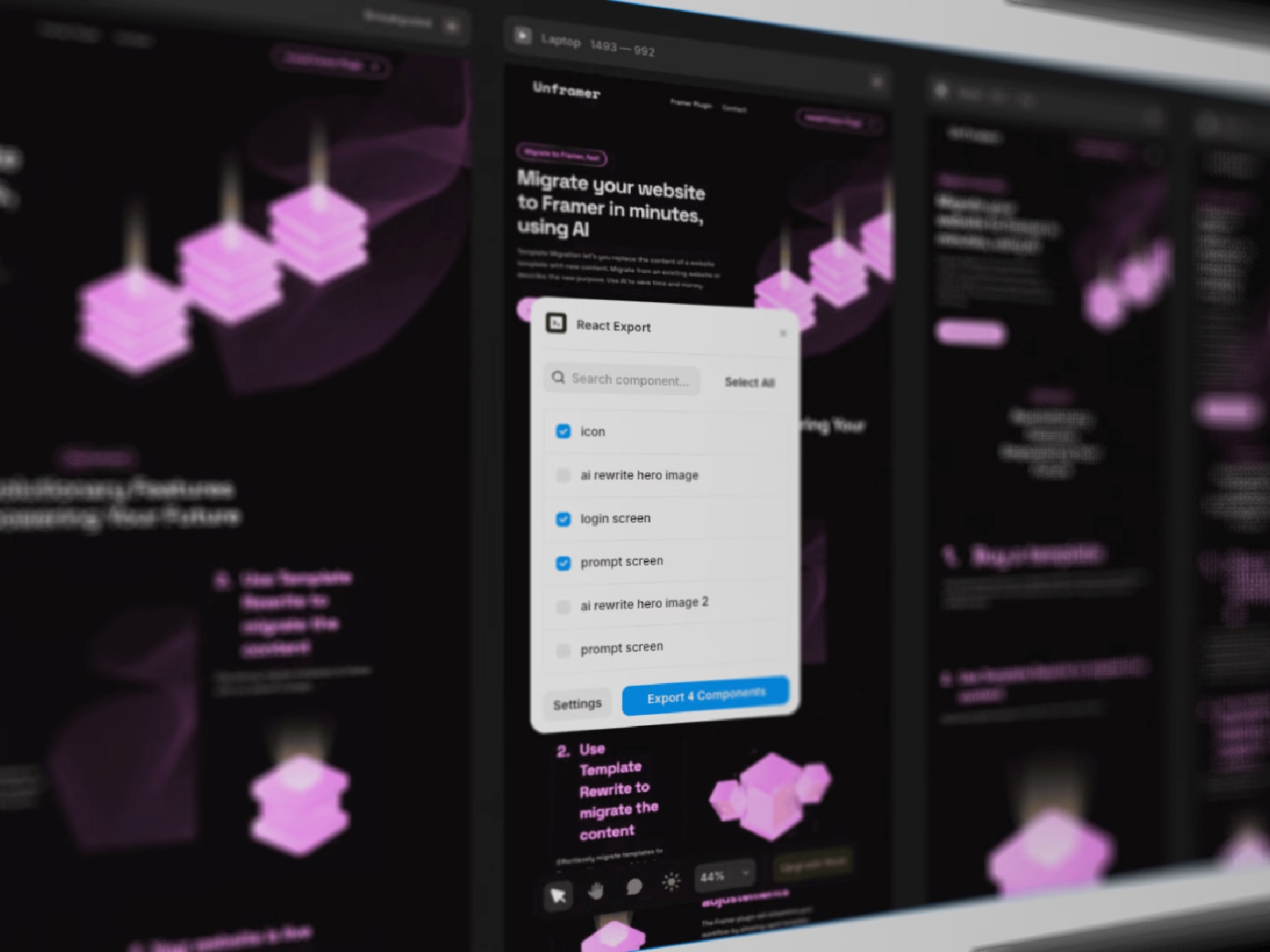
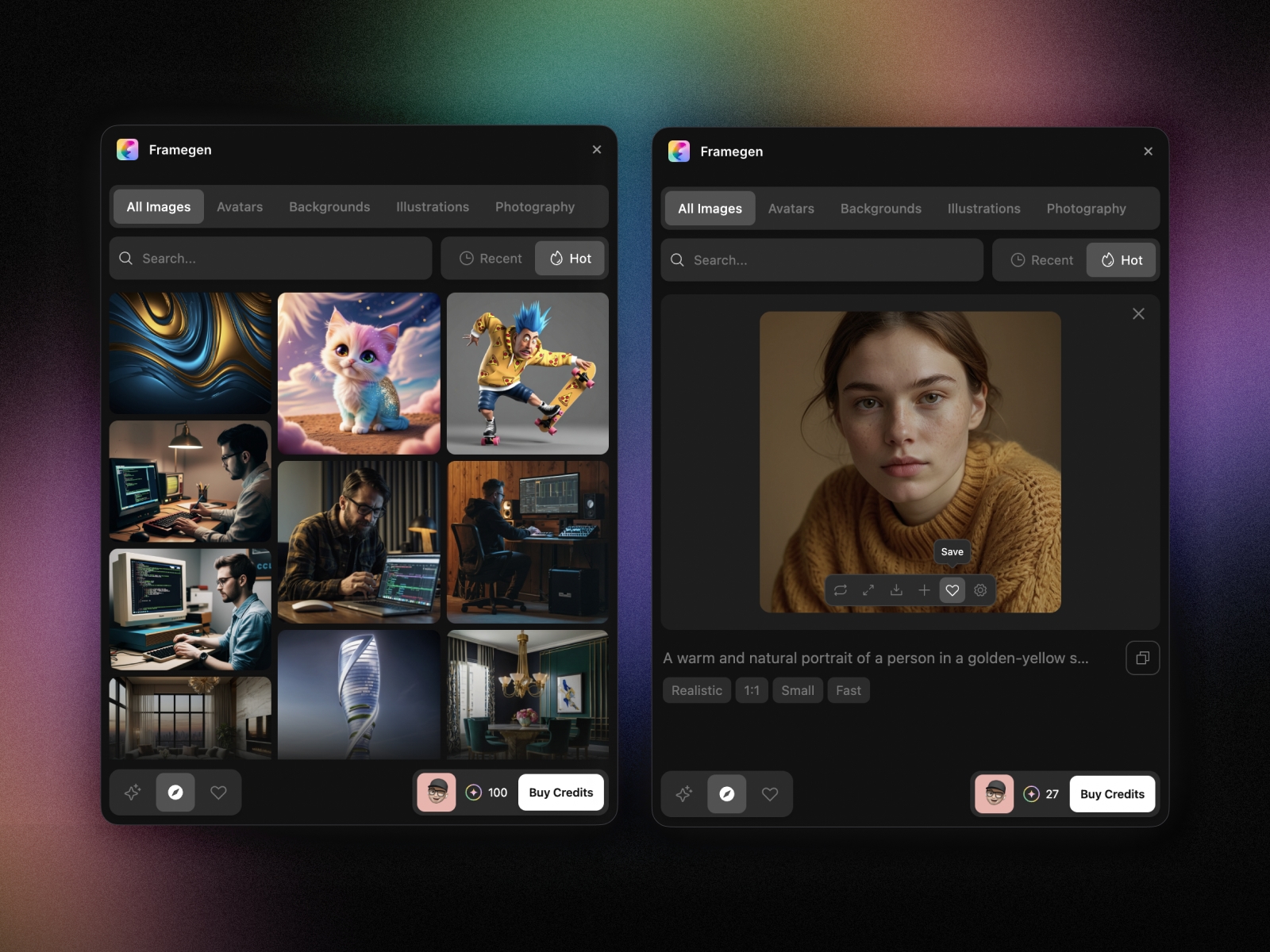
Screenshots
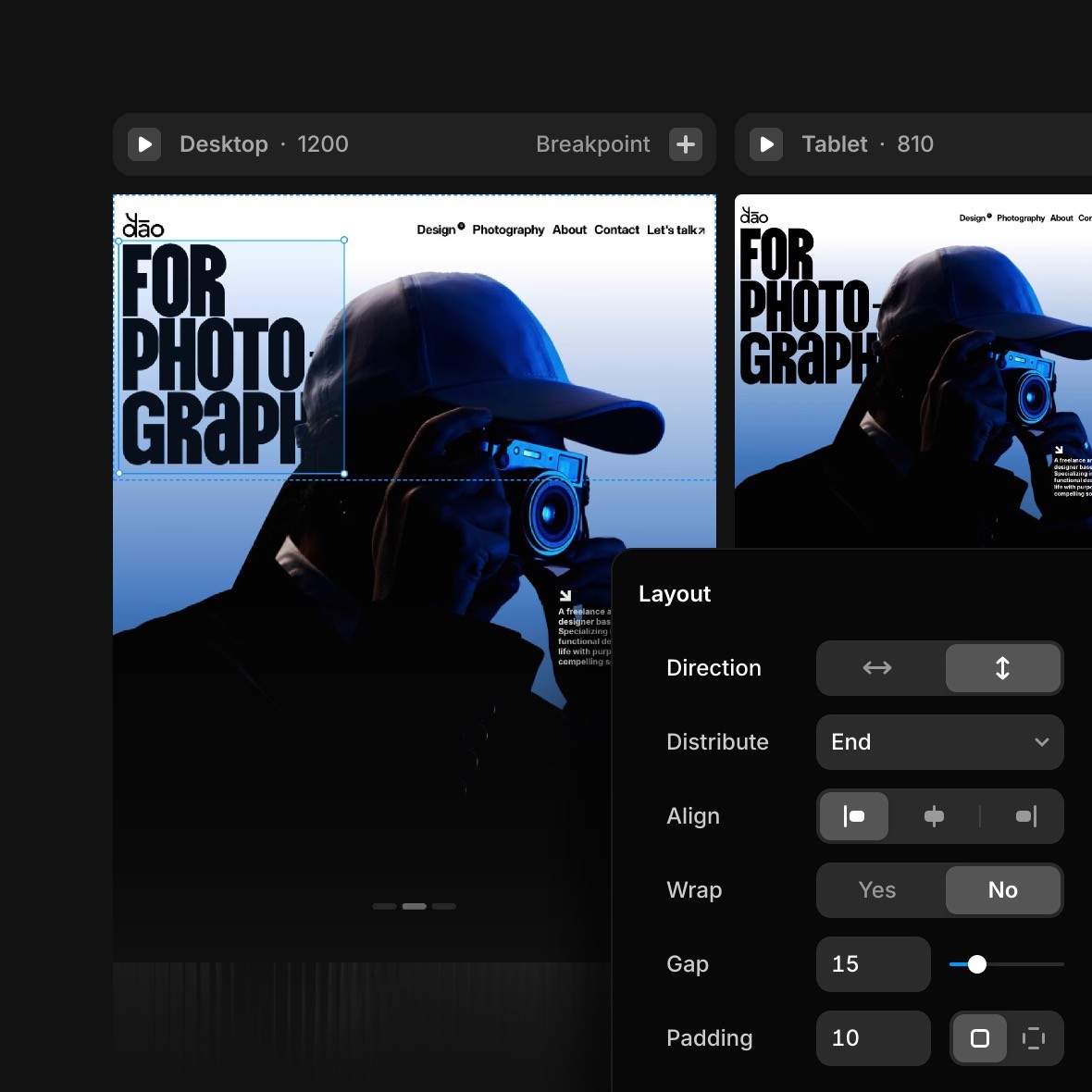
The Perfect Tool For...
- •Startups building product landing pages
- •Marketing teams creating microsites
- •Designers wanting pixel-level website control without code
Avoid If...
- •You need complex backend web application logic
- •Traditional CMS with content scheduling is required
- •You want a mass-market template builder
Ideal Use Cases
Product landing pages
Marketing microsites
Portfolio websites
Framer has been recommended by Find Your Martech 15 times.
Detailed Evaluation
Organizational Fit for Framer
Early-stage start-up / solo
limitedSmall team / agency
goodSMB / growing company
limitedEstablished / large org
badFind Your Martech Scores for Framer
Q1: What is your primary use case for design tools?
Q2: What design assets do you need to create? (Multiple selections possible)
Q3: How important is it that your designs can be reused outside the original tool?
Q4: What is your or your team's design experience level?
Q5: How important is brand consistency for you?
Q6: Does this tool need to connect with any of the following? Select all that apply - or skip if not relevant.
Key Features
Strengths
- Strongest design-to-website pipeline
- Advanced animation capabilities
- Pixel-level creative control
Weaknesses
- Not a full-stack web development platform
- Complex backend logic needs external tools
- Steeper learning curve than template builders
Website/CMS Tool Synergies — Framer
These are website and CMS tools that work particularly well with Framer.
Design and production are intentionally unified in one tool.
Cost Profile
💚 ⚠️ Mid cost · Free to start · Scales steeply
Explore More Reviews
Want Personalized Tool Recommendations?
Take our questionnaire to get customized recommendations based on your specific needs, team size, and budget.
Start the QuizStop Wasting Time on the Wrong Tools
Stop wasting time (and budget) testing endless marketing tools that don't actually fit your needs. Every business is different, your goals, team size, workflow, and growth stage all require a tailored solution, not a generic "top 10 tools" list. Our service helps you cut through the noise: a simple questionnaire-style quiz analyzes how you work and delivers clear, practical recommendations for the marketing tech that truly suits you.
