

Adobe Illustrator
The gold standard for vector graphics
Tool Overview
Tool Type
Professional vector graphics software
Core Purpose
Adobe Illustrator is the global benchmark for vector-based design. Across professional design communities and review platforms, it remains the dominant tool for scalable graphics, branding systems, typography, and print production. Its defining strength is precision vector control. Anchor point manipulation, pathfinder operations, gradient meshes, typography control, and advanced export workflows position Illustrator at the top of the vector ecosystem. Compared across all design platforms, no browser-native competitor matches its production depth for complex vector work. Illustrator is central to branding agencies, packaging design, icon systems, and professional print workflows. Integration with Photoshop, InDesign, and After Effects reinforces its role inside Creative Cloud as foundational infrastructure. The learning curve is significant. It is not optimized for casual marketing design or rapid social graphics. Collaboration features are improving via cloud documents but are not multiplayer-native like Figma. Illustrator does not compete in website publishing or slide creation. It competes at the highest tier of scalable vector production. In that domain, it remains industry-defining. It should be positioned as a professional vector powerhouse rather than an accessible entry-level design tool.
"Anchor point manipulation, pathfinder operations, gradient meshes, typography control, and advanced export workflows position Illustrator at the top of the vector ecosystem"
Screenshots
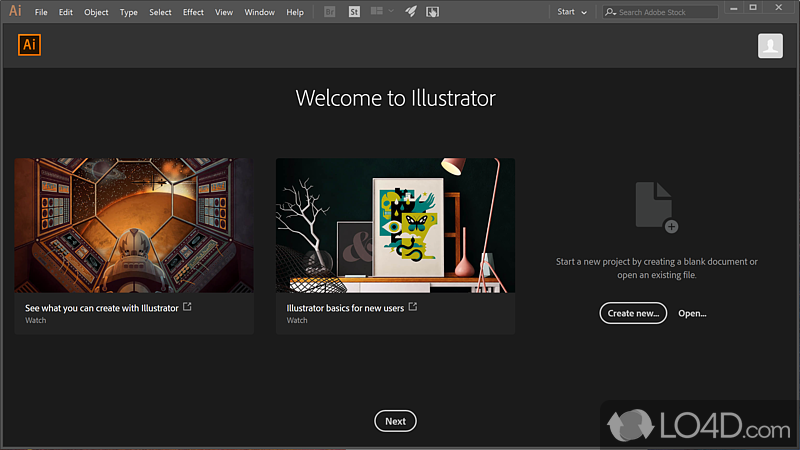
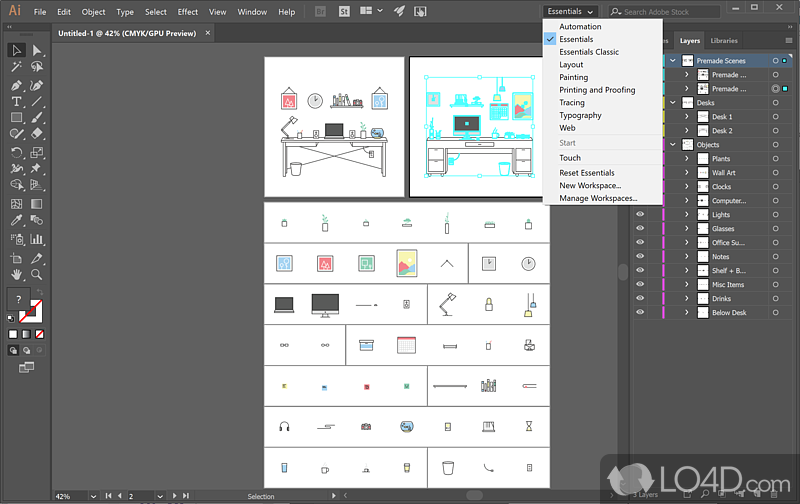

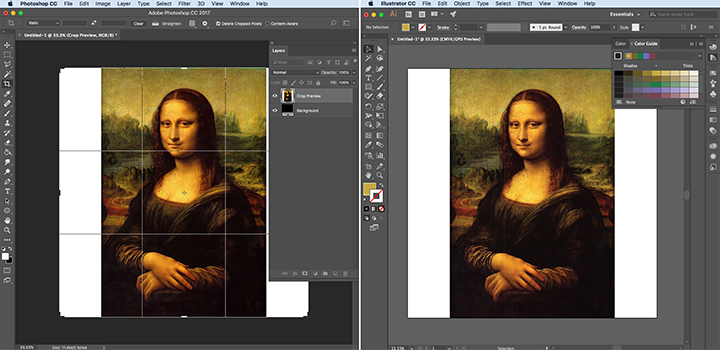
The Perfect Tool For...
- •Branding and logo designers
- •Packaging and print professionals
- •Agencies building scalable visual systems
Avoid If...
- •You only need simple social graphics
- •You want browser-native lightweight tools
- •Your team lacks professional design training
Ideal Use Cases
Logo and brand identity design
Packaging and print layouts
Icon and illustration systems
Adobe Illustrator has been recommended by Find Your Martech 15 times.
Detailed Evaluation
Organizational Fit for Adobe Illustrator
Early-stage start-up / solo
limitedSmall team / agency
goodSMB / growing company
goodEstablished / large org
goodFind Your Martech Scores for Adobe Illustrator
Q1: What is your primary use case for design tools?
Q2: What design assets do you need to create? (Multiple selections possible)
Q3: How important is it that your designs can be reused outside the original tool?
Q4: What is your or your team's design experience level?
Q5: How important is brand consistency for you?
Q6: Does this tool need to connect with any of the following? Select all that apply - or skip if not relevant.
Key Features
Strengths
- Industry-leading vector precision
- Deep Creative Cloud integration
- Enterprise-grade performance
Weaknesses
- Steep learning curve
- Not browser-native
- Overkill for simple marketing graphics
Website/CMS Tool Synergies — Adobe Illustrator
These are website and CMS tools that work particularly well with Adobe Illustrator.
Vector graphics and brand assets are created in Illustrator for websites.
Logos, icons, and vector assets support ecommerce storefronts.
Brand and vector assets are deeply integrated into AEM workflows.
Workflow/PM Tool Synergies — Adobe Illustrator
These are workflow and project management tools that work particularly well with Adobe Illustrator.
Vector and UI assets are managed as part of product delivery workflows.
Multi-asset design workflows rely on Wrike for approvals and timelines.
Large-scale design projects are tracked with formal workflows.
Creative asset lifecycles are fully managed within Workfront workflows.
Cost Profile
🏷️ Mid-market · Paid via suite · Predictable
Included in Adobe subscriptions. Costs are fixed per user.
Explore More Reviews
Want Personalized Tool Recommendations?
Take our questionnaire to get customized recommendations based on your specific needs, team size, and budget.
Start the QuizStop Wasting Time on the Wrong Tools
Stop wasting time (and budget) testing endless marketing tools that don't actually fit your needs. Every business is different, your goals, team size, workflow, and growth stage all require a tailored solution, not a generic "top 10 tools" list. Our service helps you cut through the noise: a simple questionnaire-style quiz analyzes how you work and delivers clear, practical recommendations for the marketing tech that truly suits you.
