
HubSpot CMS
Marketing-integrated CMS combining website management with HubSpot CRM for conversion-focused teams
Tool Overview
Tool Type
Marketing-integrated CMS for conversion-focused teams
Core Purpose
HubSpot CMS exists as the website platform for marketing teams already committed to HubSpot wanting native CRM integration without connecting separate tools. Unlike standalone CMS platforms, HubSpot CMS integrates website management with contact data, personalization, and marketing automation. It assumes organizations want website performance measured through pipeline impact not just traffic. HubSpot CMS targets B2B marketing teams where lead generation, personalization, and CRM integration outweigh CMS flexibility or cost efficiency. The platform excels when HubSpot ecosystem integration and conversion focus justify premium pricing. It struggles for organizations outside HubSpot ecosystem or when simpler CMS options adequately address website needs.
"HubSpot CMS exists as the website platform for marketing teams already committed to HubSpot wanting native CRM integration without connecting separate tools"
Screenshots
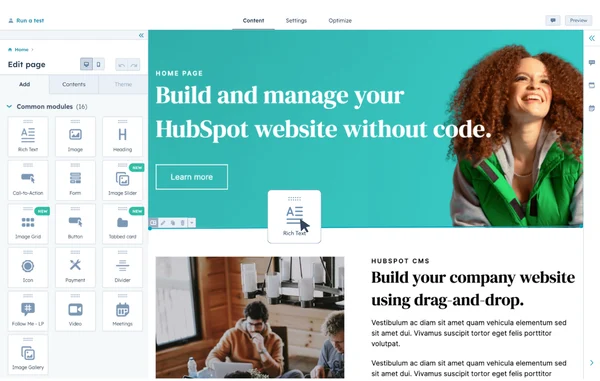
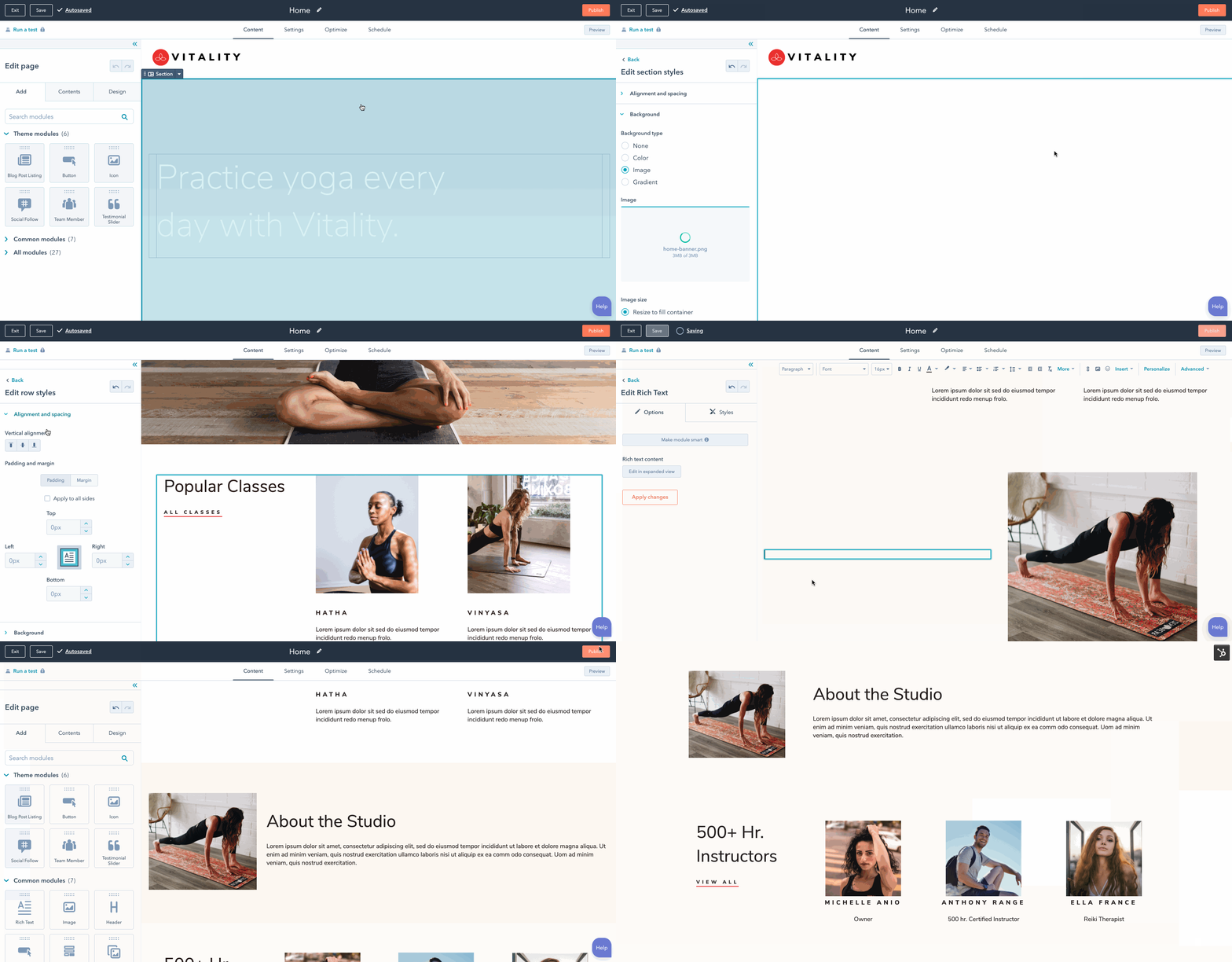
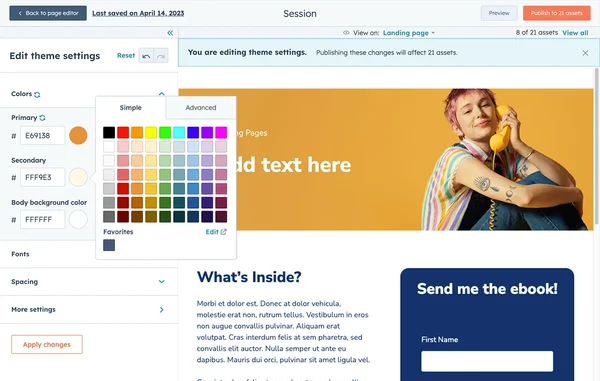
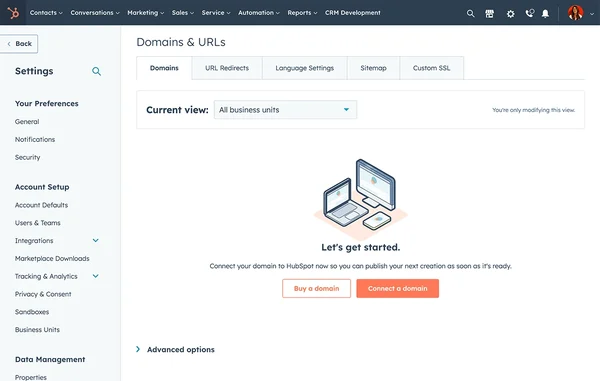
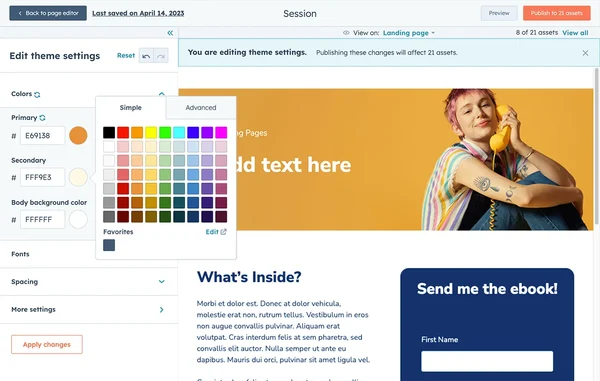
The Perfect Tool For...
- •Marketing teams wanting website and CRM fully integrated in single platform
- •B2B companies using HubSpot wanting native website personalization
- •Organizations prioritizing conversion optimization and lead capture on website
- •Teams needing developer flexibility alongside marketer-friendly editing
- •Companies wanting built-in SEO, analytics, and A/B testing without plugins
Avoid If...
- •You are not using HubSpot CRM and ecosystem integration is lost
- •Budget constraints make HubSpot CMS pricing prohibitive
- •You need extensive plugin ecosystem WordPress provides
- •Technical SEO and code control matter more than CRM integration
- •Simple website without marketing automation requirements is sufficient
Ideal Use Cases
Personalized B2B website
Delivering personalized website content to known contacts based on HubSpot CRM data and lifecycle stage
Conversion-optimized marketing site
Running A/B tests, tracking conversions, and optimizing landing pages integrated with lead nurturing
Unified marketing and web operations
Managing website alongside email, ads, and CRM workflows without switching between platforms
HubSpot CMS has been recommended by Find Your Martech 18 times.
Detailed Evaluation
Organizational Fit for HubSpot CMS
Early-stage start-up / solo
limitedSmall team / agency
goodSMB / growing company
goodEstablished / large org
goodFind Your Martech Scores for HubSpot CMS
Q1: What is your main goal for your website?
Q2: How comfortable are you with creating or editing websites?
Q3: How many people will work on the website?
Q4: What matters more to you: simplicity or flexibility?
Q5: How much content will you manage on the site?
Q6: How important are integrations and extensibility?
Key Features
Strengths
- Deepest CRM and marketing automation integration available
- Smart content personalization without third-party tools
- Built-in analytics connecting website to pipeline outcomes
- A/B testing and SEO tools without plugin dependencies
- Both marketer-friendly and developer-extensible
Weaknesses
- Expensive especially when bundled with HubSpot Marketing Hub
- Limited value without existing HubSpot CRM investment
- Plugin and theme ecosystem far smaller than WordPress
- Vendor lock-in significant once site built in HubSpot
- Design flexibility trails Webflow for custom creative work
CRM Tool Synergies — HubSpot CMS
These are CRM tools that work particularly well with HubSpot CMS.
Native CRM integration is a core feature of HubSpot CMS.
Analytics Tool Synergies — HubSpot CMS
These are analytics tools that work particularly well with HubSpot CMS.
GA4 complements HubSpot's native analytics for acquisition and attribution analysis.
Enterprise HubSpot CMS users integrate Adobe Analytics for advanced reporting.
Cost Profile
💚 ⚠️ Mid → High cost · Free to start · Scales steeply
Alternatives
Explore More Reviews
Want Personalized Tool Recommendations?
Take our questionnaire to get customized recommendations based on your specific needs, team size, and budget.
Start the QuizStop Wasting Time on the Wrong Tools
Stop wasting time (and budget) testing endless marketing tools that don't actually fit your needs. Every business is different, your goals, team size, workflow, and growth stage all require a tailored solution, not a generic "top 10 tools" list. Our service helps you cut through the noise: a simple questionnaire-style quiz analyzes how you work and delivers clear, practical recommendations for the marketing tech that truly suits you.
