
Pitch
Collaborative presentations for modern teams
Tool Overview
Tool Type
Collaborative presentation software
Core Purpose
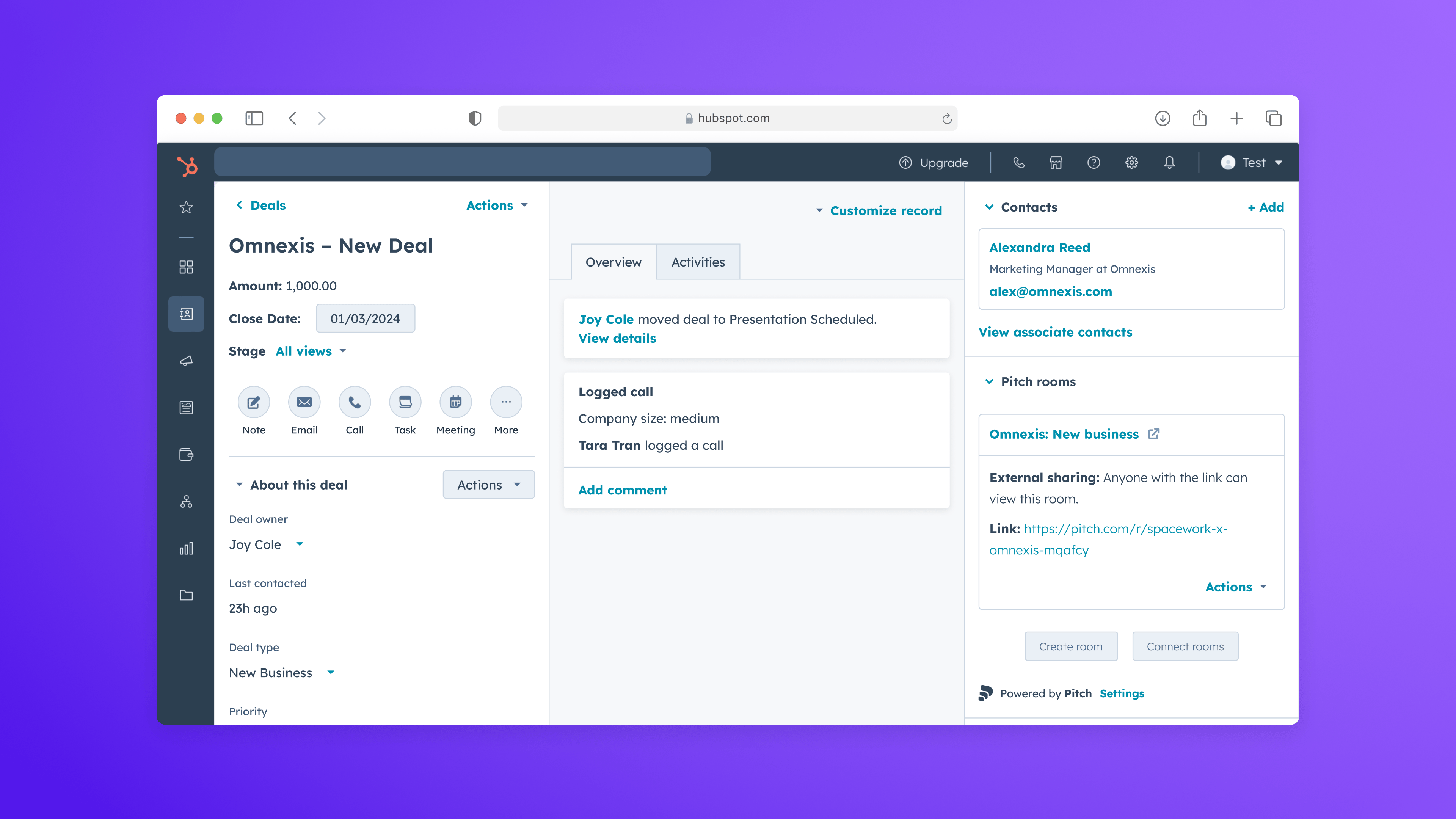
Pitch is a collaborative presentation platform built for modern teams that create high-stakes decks frequently. Across OMR, G2, Capterra, Product Hunt, and practitioner discussions, the perception is clear: Pitch is not trying to be Canva and it is not trying to replace PowerPoint with feature bloat. It is a structured, performance-driven workspace for business storytelling. Its core strength is collaborative speed. Teams can build investor decks, sales presentations, marketing updates, and internal strategy slides in real time without version chaos. Comments, shared workspaces, slide status tracking, and permissions are native to the experience rather than bolted on. Compared across the presentation ecosystem, Pitch delivers the most frictionless multi-user editing experience. Design quality is modern and consistent. Templates reflect startup and SaaS aesthetics rather than generic corporate styling. However, it does not offer the creative depth of Canva's template marketplace or Adobe-level asset control. Layout systems are flexible but structured. This is deliberate. Pitch prioritizes clarity and narrative flow over visual experimentation. Performance is a differentiator. Large decks load quickly, editing feels responsive, and exports are reliable. Many browser-based design tools slow down under complexity. Pitch rarely does. That technical stability reinforces its positioning as a serious business tool. Where it does not compete is full-spectrum design production. There is no advanced vector editing engine, no motion design depth, and no ecosystem comparable to Adobe or Canva. It is a focused presentation platform. That focus is its advantage and its limitation. For startups, marketing teams, and revenue organizations that live in slide decks, Pitch is the strongest collaborative-native option available. For creative teams building multimedia campaigns, it remains a complementary tool rather than a primary design system.
Screenshots


The Perfect Tool For...
- •Startups building investor and board decks
- •Marketing and sales teams creating recurring presentation assets
- •Organizations prioritizing real-time collaboration
Avoid If...
- •You need pixel-level design control
- •Individual-first design creation is priority
- •Marketing collateral beyond presentations is the focus
Ideal Use Cases
Investor pitch decks
Sales enablement presentations
Internal reporting and OKR updates
Pitch has been recommended by Find Your Martech 14 times.
Detailed Evaluation
Organizational Fit for Pitch
Early-stage start-up / solo
limitedSmall team / agency
goodSMB / growing company
goodEstablished / large org
limitedFind Your Martech Scores for Pitch
Q1: What is your primary use case for design tools?
Q2: What design assets do you need to create? (Multiple selections possible)
Q3: How important is it that your designs can be reused outside the original tool?
Q4: What is your or your team's design experience level?
Q5: How important is brand consistency for you?
Q6: Does this tool need to connect with any of the following? Select all that apply - or skip if not relevant.
Key Features
Strengths
- Category-leading collaboration for presentations
- High-quality professional templates
- Strong brand controls and shared styles
Weaknesses
- Smaller template ecosystem than Canva
- Limited creative depth for complex designs
- Value depends on team adoption
Website/CMS Tool Synergies — Pitch
These are website and CMS tools that work particularly well with Pitch.
Marketing teams adapt pitch-style storytelling into Webflow landing pages.
Cost Profile
🏷️ Mid-market · Free plan · Predictable
Free tier for small teams. Paid plans scale per user with collaboration features.
Alternatives
Explore More Reviews
Want Personalized Tool Recommendations?
Take our questionnaire to get customized recommendations based on your specific needs, team size, and budget.
Start the QuizStop Wasting Time on the Wrong Tools
Stop wasting time (and budget) testing endless marketing tools that don't actually fit your needs. Every business is different, your goals, team size, workflow, and growth stage all require a tailored solution, not a generic "top 10 tools" list. Our service helps you cut through the noise: a simple questionnaire-style quiz analyzes how you work and delivers clear, practical recommendations for the marketing tech that truly suits you.
