Adobe Premiere Pro
Professional non-linear video editing software
Tool Overview
Tool Type
Professional non-linear video editing software
Core Purpose
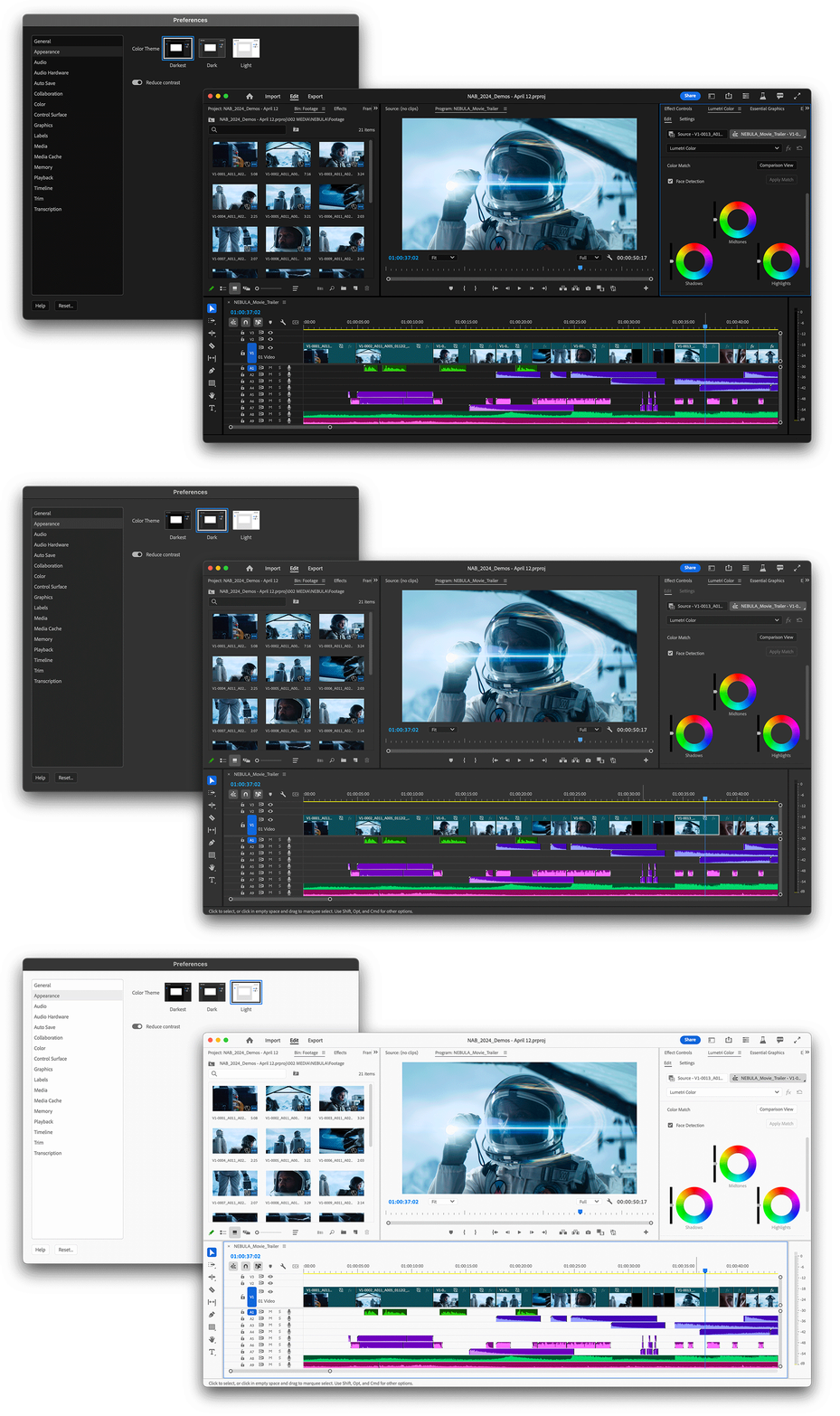
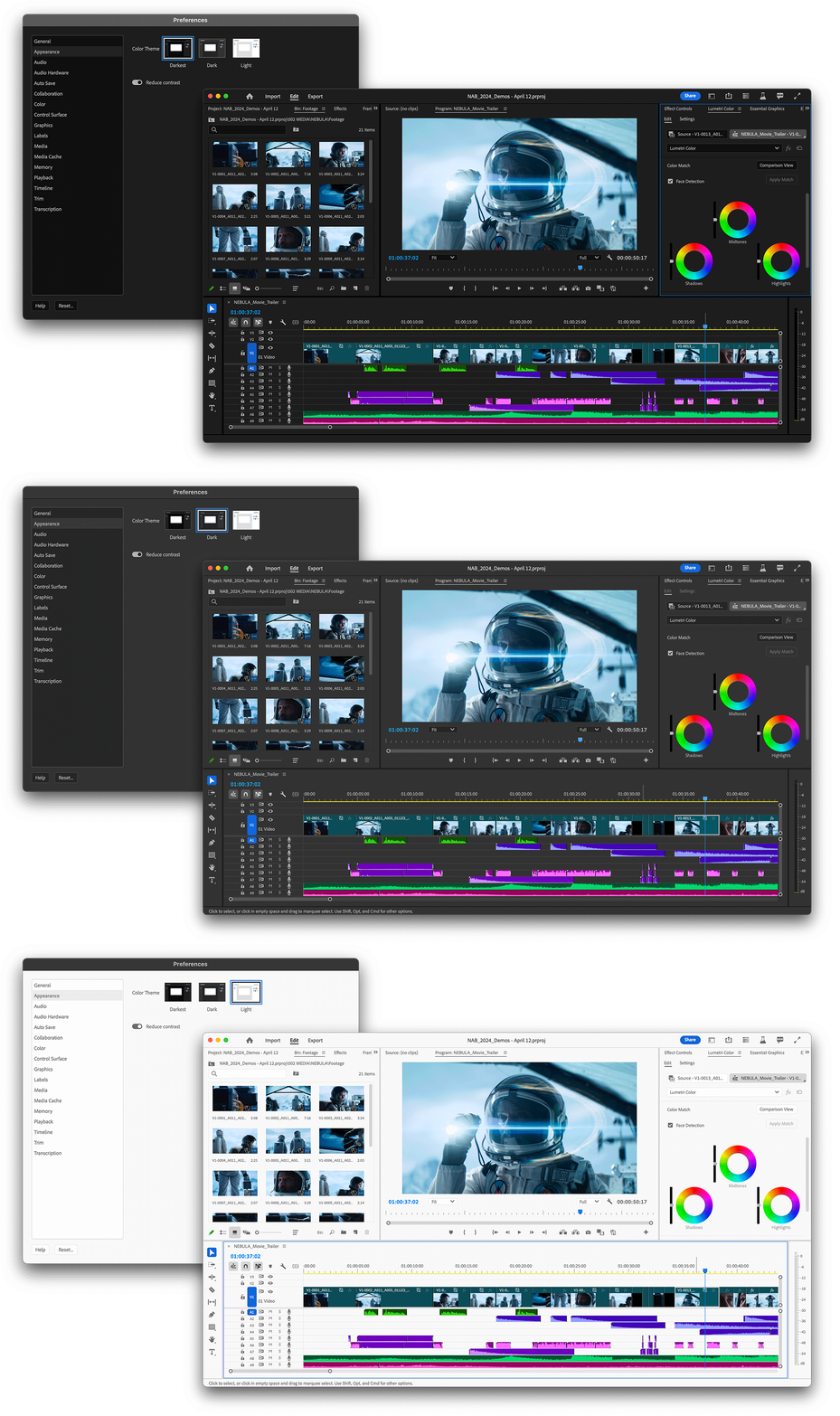
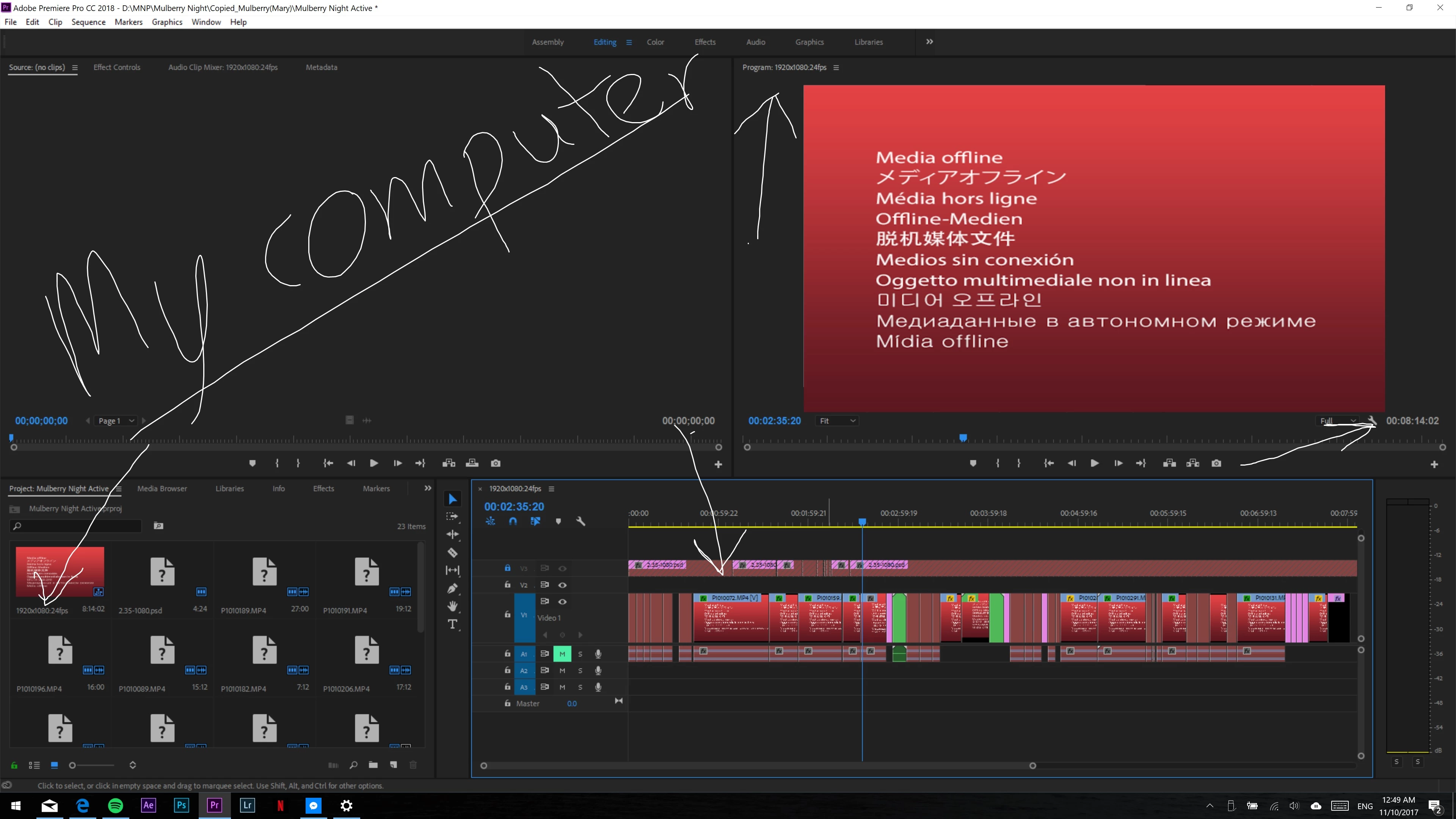
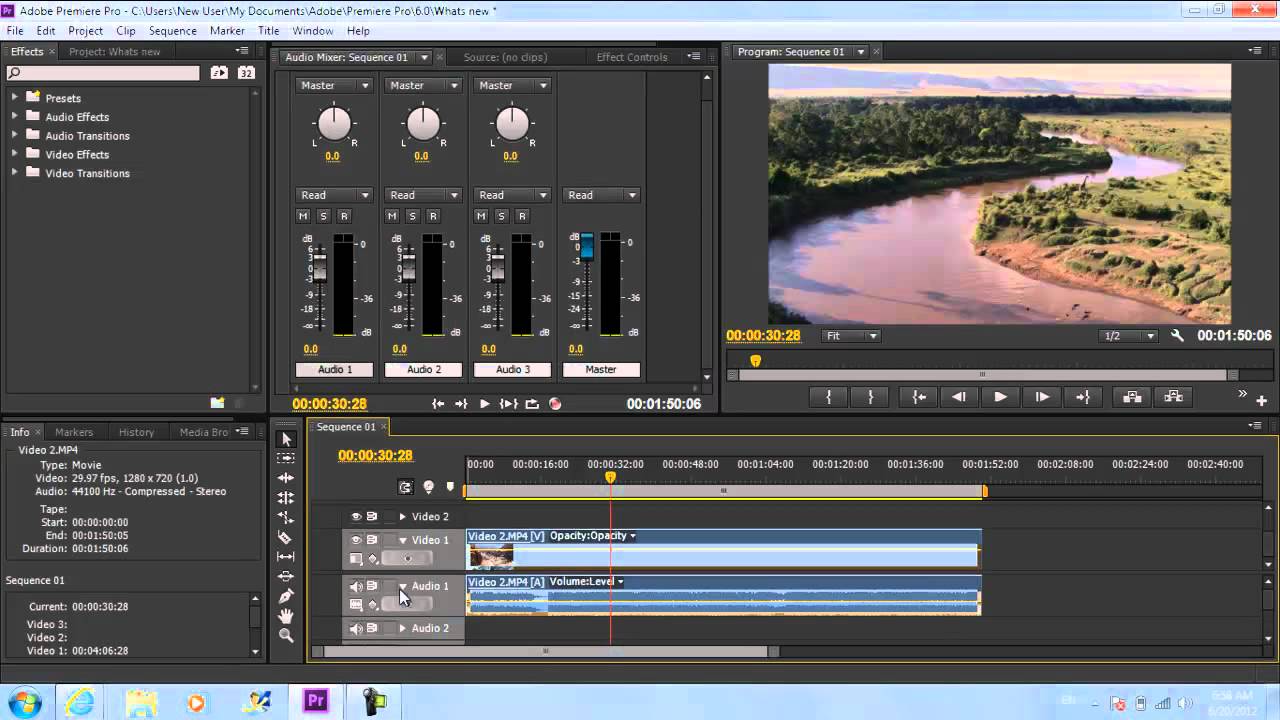
Adobe Premiere Pro is a professional non-linear video editing platform widely used in content production, broadcasting, and digital media. Across professional review channels and creative communities, it is considered one of the leading editing environments globally. Its defining strength is timeline-based editing depth. Multi-track editing, color grading, audio control, proxy workflows, and advanced export settings position it firmly in the professional segment. Integration with After Effects, Photoshop, and Audition enables end-to-end post-production workflows. For agencies and video teams already within Creative Cloud, Premiere Pro becomes central infrastructure. The learning curve is moderate to high for beginners. It is more complex than template-driven editors such as CapCut or Canva video tools. Collaboration relies on shared project files and cloud workflows rather than fully real-time editing. Premiere Pro competes directly with Final Cut Pro and DaVinci Resolve in the professional editing category. It does not compete in lightweight social-first editing. It should be positioned as a professional-grade video editing backbone rather than a casual creator tool.
"Multi-track editing, color grading, audio control, proxy workflows, and advanced export settings position it firmly in the professional segment"
Screenshots

The Perfect Tool For...
- •Professional video editors
- •Agencies producing commercial content
- •Content teams operating inside Adobe ecosystems
Avoid If...
- •You need instant template-based social edits
- •You want ultra-simple mobile editing
- •Your team lacks video editing experience
Ideal Use Cases
Commercial video production
YouTube and digital content editing
Broadcast and corporate video workflows
Adobe Premiere Pro has been recommended by Find Your Martech 10 times.
Detailed Evaluation
Organizational Fit for Adobe Premiere Pro
Early-stage start-up / solo
limitedSmall team / agency
goodSMB / growing company
goodEstablished / large org
goodKey Features
Strengths
- Industry-standard editing depth
- Seamless Creative Cloud integration
- Enterprise-grade performance
Weaknesses
- Steep learning curve
- Subscription-only pricing
- Not optimized for quick social content
Cost Profile
🏷️ Mid-market · Paid via suite · Predictable
Subscription-based pricing. Costs remain stable unless additional Adobe services are added.
Alternatives
Explore More Reviews
Want Personalized Tool Recommendations?
Take our questionnaire to get customized recommendations based on your specific needs, team size, and budget.
Start the QuizStop Wasting Time on the Wrong Tools
Stop wasting time (and budget) testing endless marketing tools that don't actually fit your needs. Every business is different, your goals, team size, workflow, and growth stage all require a tailored solution, not a generic "top 10 tools" list. Our service helps you cut through the noise: a simple questionnaire-style quiz analyzes how you work and delivers clear, practical recommendations for the marketing tech that truly suits you.