
Asana
Structured work management for teams who need visibility and accountability
Tool Overview
Tool Type
Work management platform
Core Purpose
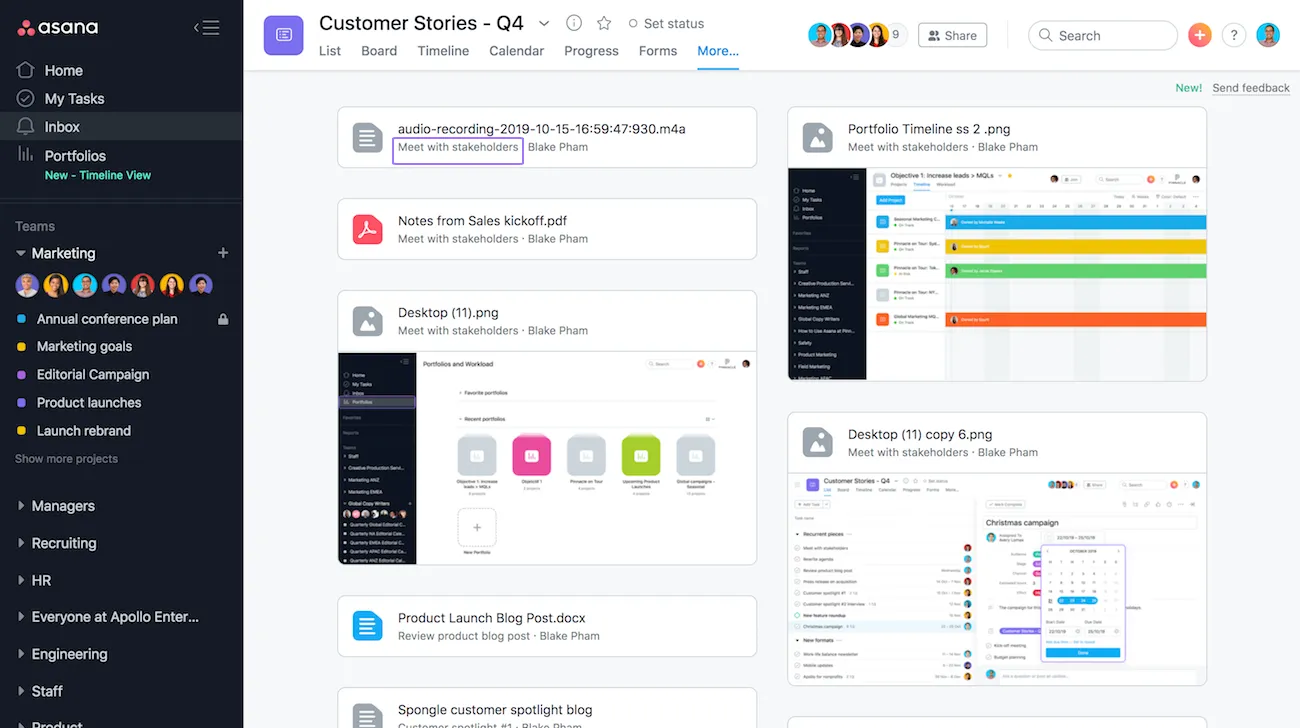
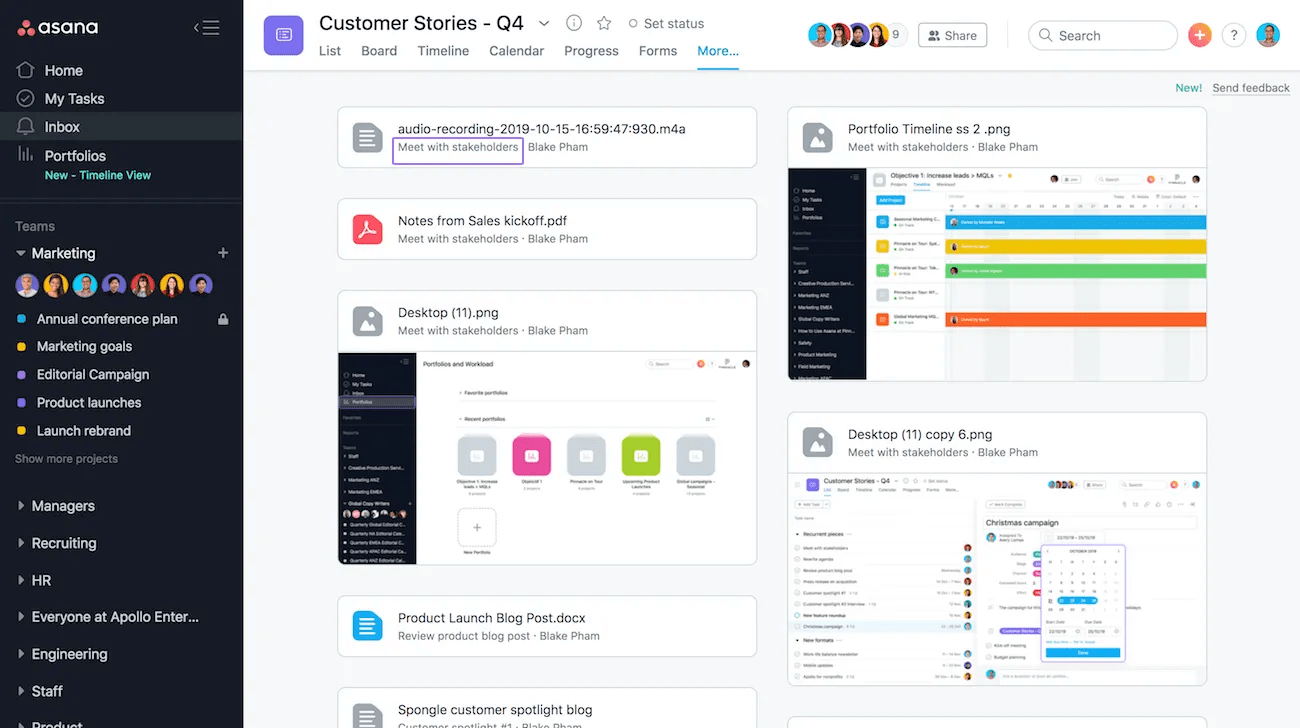
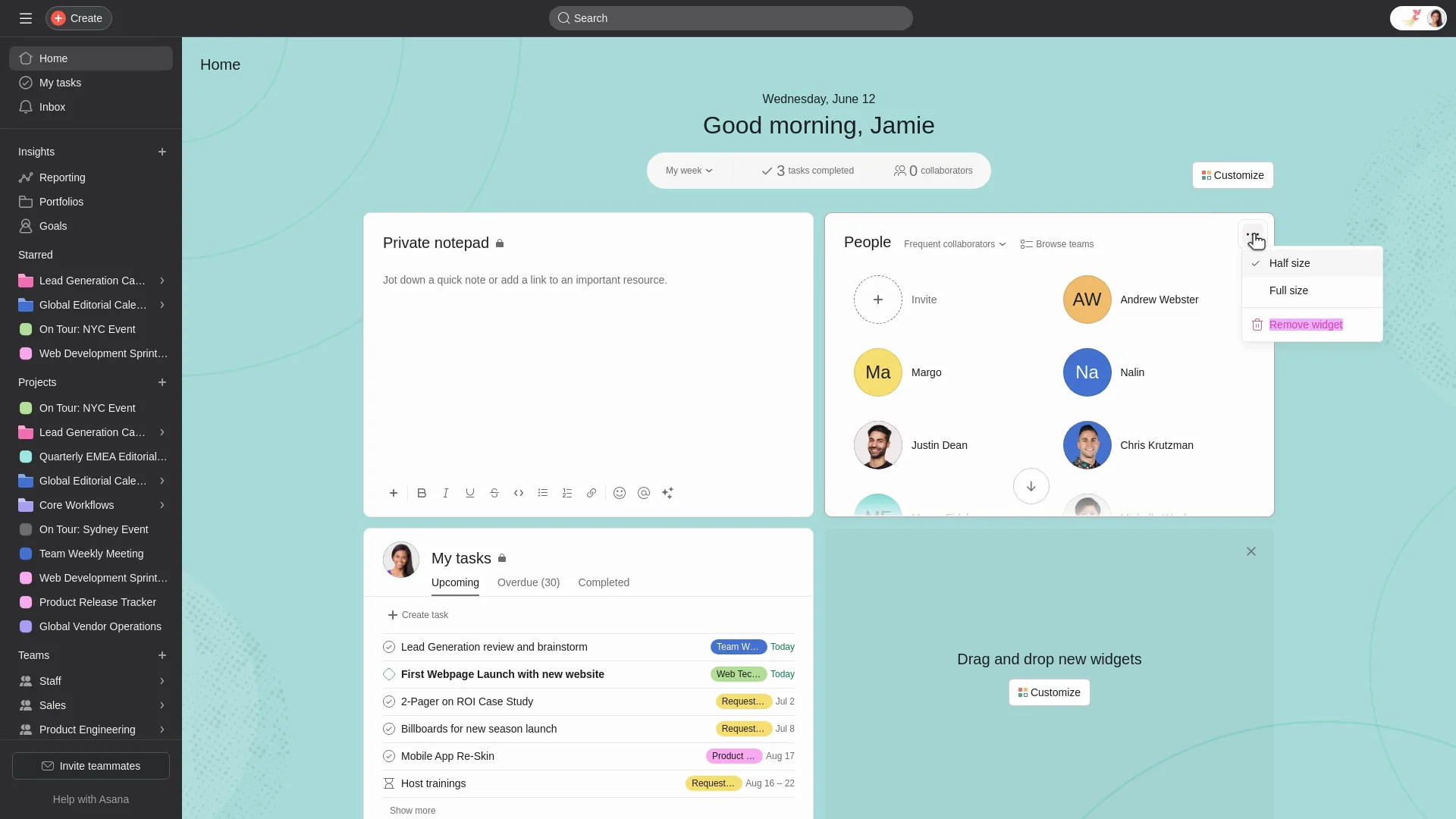
Asana positions itself as the work management platform for teams who need structured workflows with high visibility. Built for operational excellence rather than simplicity, it excels at coordinating complex, multi-stakeholder initiatives where dependencies, timelines, and accountability matter. Teams choose Asana when they're scaling past basic task lists and need automation, custom fields, and portfolio views to manage work strategically. The platform shines in cross-functional environments where marketing, operations, and product teams collaborate on campaigns and launches requiring clear ownership and progress tracking.
"The platform shines in cross-functional environments where marketing, operations, and product teams collaborate on campaigns and launches requiring clear ownership and progress tracking"
Screenshots
The Perfect Tool For...
- •Marketing teams running campaigns with multiple stakeholders
- •Cross-functional teams needing workflow automation
- •Organizations requiring executive visibility into project status
- •Teams managing recurring processes with templates
- •Companies scaling from 20-500 employees
Avoid If...
- •You need advanced sprint planning or dev-specific features
- •Your budget is tight (pricing scales quickly)
- •You want simple, minimalist tools without extensive features
- •Your team is primarily software developers needing technical workflows
- •You need offline access as a core requirement
Ideal Use Cases
Content Calendar Management
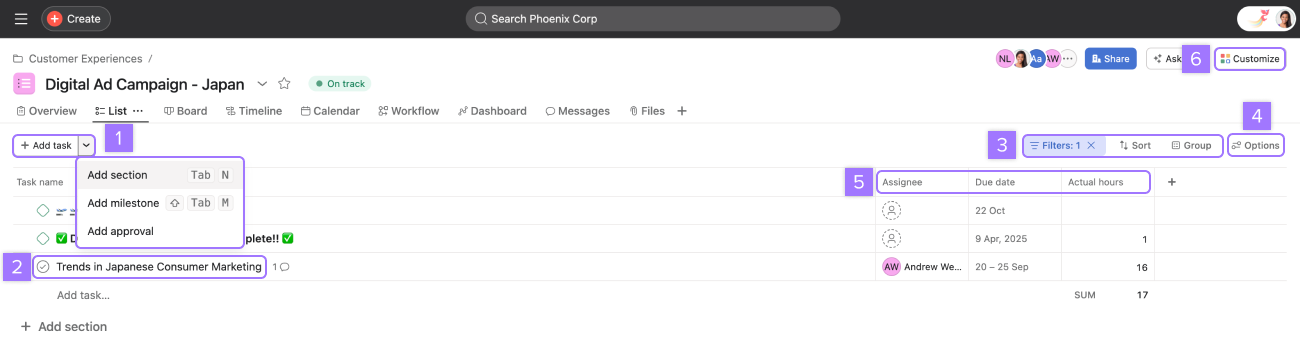
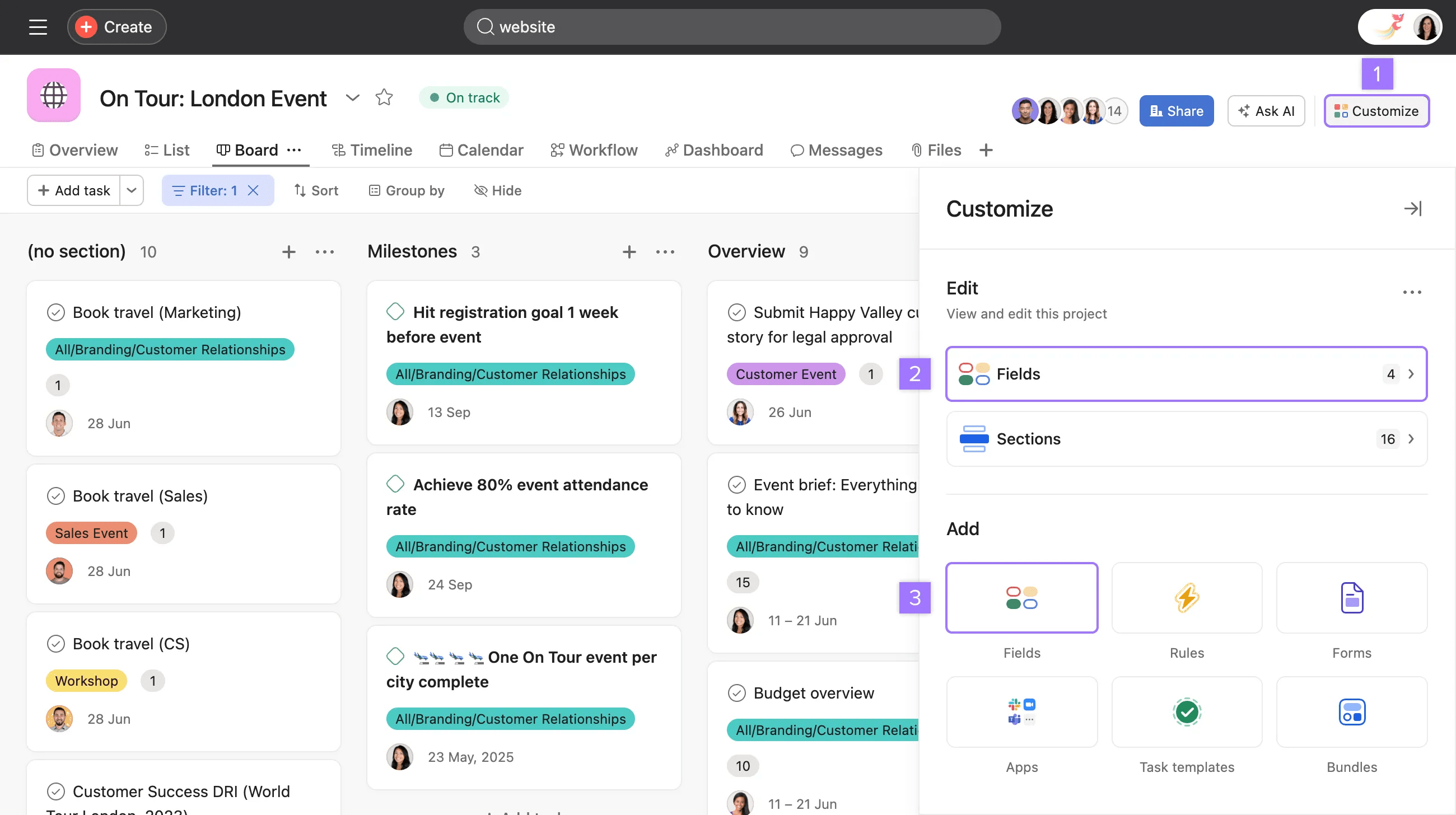
Track editorial calendars, content approval workflows, and publishing schedules with custom fields for status, assignees, and deadlines
Product Launch Coordination
Coordinate cross-functional product launches with dependencies, milestones, and automated status updates across teams
Agency Client Projects
Manage multiple client projects with portfolio views, workload management, and client-specific permissions
Asana has been recommended by Find Your Martech 23 times.
Detailed Evaluation
Organizational Fit for Asana
Early-stage start-up / solo
goodSmall team / agency
goodSMB / growing company
goodEstablished / large org
goodFind Your Martech Scores for Asana
Q1: What will you mainly use the tool for?
Q2: How many people will collaborate in the tool?
Q3: How structured or complex are your workflows?
Q4: What matters more to you: simplicity or flexibility?
Q5: How important is planning over time (dates, timelines, dependencies)?
Key Features
Strengths
- Exceptional onboarding and help resources make adoption smooth
- Powerful automation rules eliminate manual status updates
- Portfolio view provides executives real-time visibility across initiatives
- Template library accelerates standardization of recurring processes
- Best-in-class integrations with Slack, Adobe, Salesforce
Weaknesses
- Pricing becomes expensive as team grows ($10.99-$24.99/user)
- Feature overload can overwhelm teams wanting simple task management
- Limited native time tracking requires third-party integrations
- Reporting customization has a learning curve for non-technical users
- Mobile app lacks full functionality of desktop version
Communication Tool Synergies — Asana
These are communication tools that work particularly well with Asana.
Asana tasks and updates flow into Slack channels for real-time team visibility.
Asana integrates with Teams for task notifications and collaboration.
Project context and documentation are commonly maintained in Notion alongside Asana tasks.
Design Tool Synergies — Asana
These are design tools that work particularly well with Asana.
Design tasks, reviews, and iterations are directly tracked in Asana, with Figma files as living artifacts.
FigJam boards support ideation and planning phases tied to Asana tasks.
Marketing teams manage asset creation workflows in Asana while producing designs in Canva.
Creative production workflows use Asana to manage design tasks and approvals.
Cost Profile
🏷️ Mid-market · Free plan · Increases quickly
Free plan is limited. Costs scale per user, and advanced features push teams into higher tiers quickly.
Alternatives
Explore More Reviews
Want Personalized Tool Recommendations?
Take our questionnaire to get customized recommendations based on your specific needs, team size, and budget.
Start the QuizStop Wasting Time on the Wrong Tools
Stop wasting time (and budget) testing endless marketing tools that don't actually fit your needs. Every business is different, your goals, team size, workflow, and growth stage all require a tailored solution, not a generic "top 10 tools" list. Our service helps you cut through the noise: a simple questionnaire-style quiz analyzes how you work and delivers clear, practical recommendations for the marketing tech that truly suits you.
