
Beautiful.ai
AI-powered presentation software focused on automated slide design
Tool Overview
Tool Type
AI-powered presentation software
Core Purpose
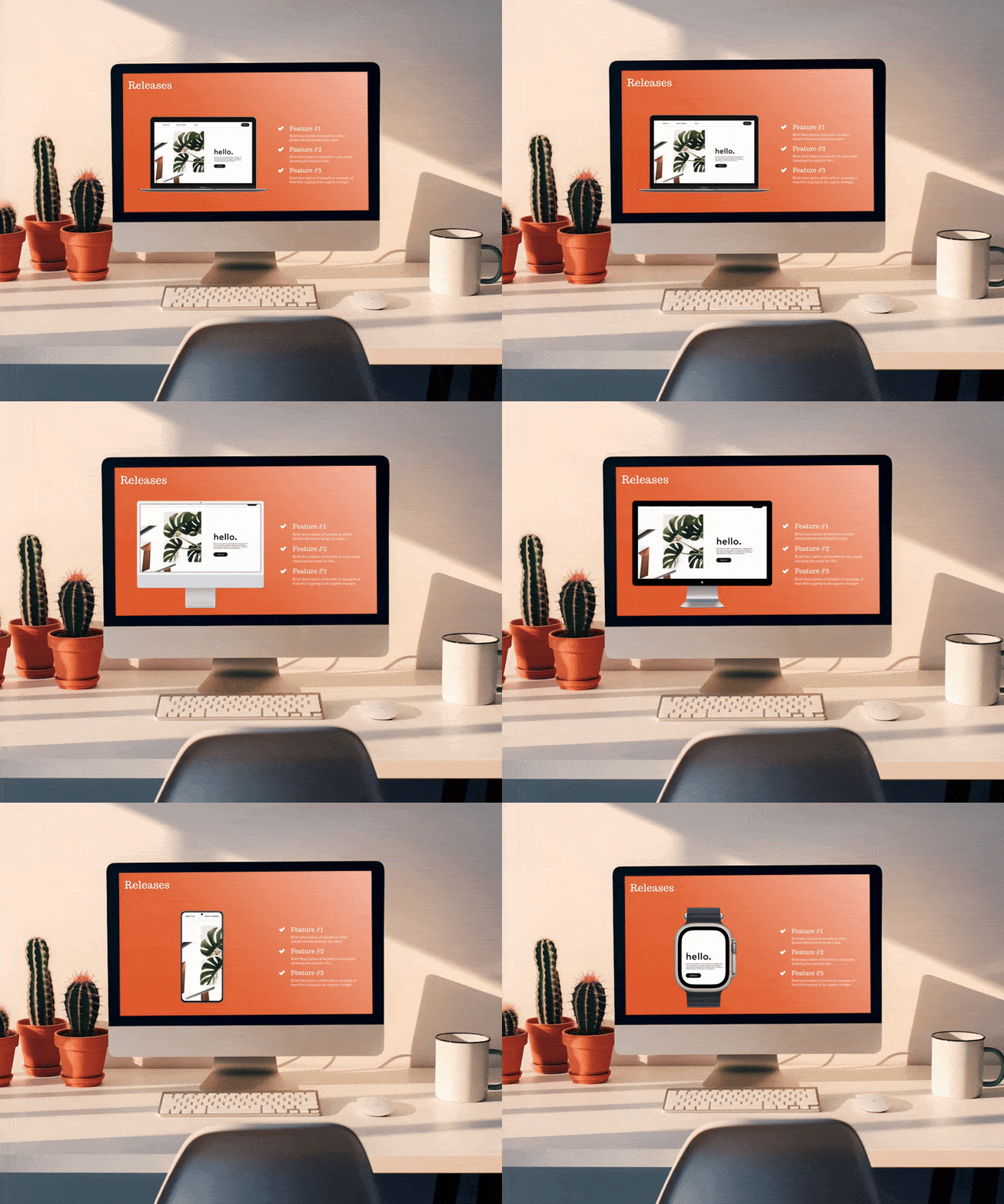
Beautiful.ai is an AI-assisted presentation builder designed to eliminate poor slide design. Across user feedback platforms and practitioner communities, the consensus is consistent: the platform enforces structure and automates layout decisions to help non-designers produce clean decks quickly. Its defining feature is smart slide automation. As users add content, layouts automatically adjust to maintain spacing and hierarchy. This prevents clutter and misalignment. Compared to PowerPoint or Google Slides, the reduction in formatting friction is significant. For teams without design expertise, this guardrail system is highly valuable. However, that same automation limits flexibility. Creative control is restricted by predefined layout logic. Advanced designers often feel constrained because they cannot fully customize positioning or visual experimentation. Compared to Canva or Adobe tools, the creative ceiling is lower. Collaboration features are functional but not category-leading. Sharing, commenting, and team access exist, yet workflow depth does not match Pitch or enterprise ecosystems. Performance is stable for standard decks, though complex content can feel limited by the template system. Beautiful.ai does not aim to dominate the broader design ecosystem. It is a presentation automation tool. It competes by reducing design risk rather than expanding creative power. Its value is strongest for business users who want consistent, professional slides without learning design fundamentals. For non-design teams creating frequent presentations, Beautiful.ai delivers clarity and speed. For design-driven organizations, it remains a simplified alternative rather than a strategic creative platform.
"Across user feedback platforms and practitioner communities, the consensus is consistent: the platform enforces structure and automates layout decisions to help non-designers produce clean decks quickly"
Screenshots

The Perfect Tool For...
- •Non-designers creating business presentations
- •Teams needing structured, consistent slide layouts
- •Organizations prioritizing speed over customization
Avoid If...
- •You require deep creative freedom
- •Motion graphics and advanced animations matter
- •You want a broader marketing design ecosystem
Ideal Use Cases
Internal reports and executive updates
Sales presentations
Educational and training decks
Beautiful.ai has been recommended by Find Your Martech 14 times.
Detailed Evaluation
Organizational Fit for Beautiful.ai
Early-stage start-up / solo
limitedSmall team / agency
goodSMB / growing company
goodEstablished / large org
limitedFind Your Martech Scores for Beautiful.ai
Q1: What is your primary use case for design tools?
Q2: What design assets do you need to create? (Multiple selections possible)
Q3: How important is it that your designs can be reused outside the original tool?
Q4: What is your or your team's design experience level?
Q5: How important is brand consistency for you?
Q6: Does this tool need to connect with any of the following? Select all that apply - or skip if not relevant.
Key Features
Strengths
- Smart slide automation prevents layout mistakes
- Fast production for non-designers
- Consistent professional quality
Weaknesses
- Creative freedom is limited by automation
- No permanent free plan
- Less flexible than manual design tools
Cost Profile
🏷️ Mid-market · Free trial · Predictable
Trial available. Subscription pricing per user with stable, tiered plans.
Explore More Reviews
Want Personalized Tool Recommendations?
Take our questionnaire to get customized recommendations based on your specific needs, team size, and budget.
Start the QuizStop Wasting Time on the Wrong Tools
Stop wasting time (and budget) testing endless marketing tools that don't actually fit your needs. Every business is different, your goals, team size, workflow, and growth stage all require a tailored solution, not a generic "top 10 tools" list. Our service helps you cut through the noise: a simple questionnaire-style quiz analyzes how you work and delivers clear, practical recommendations for the marketing tech that truly suits you.
