
ClickUp
One app to replace them all — maximum features at aggressive pricing
Tool Overview
Tool Type
All-in-one productivity platform
Core Purpose
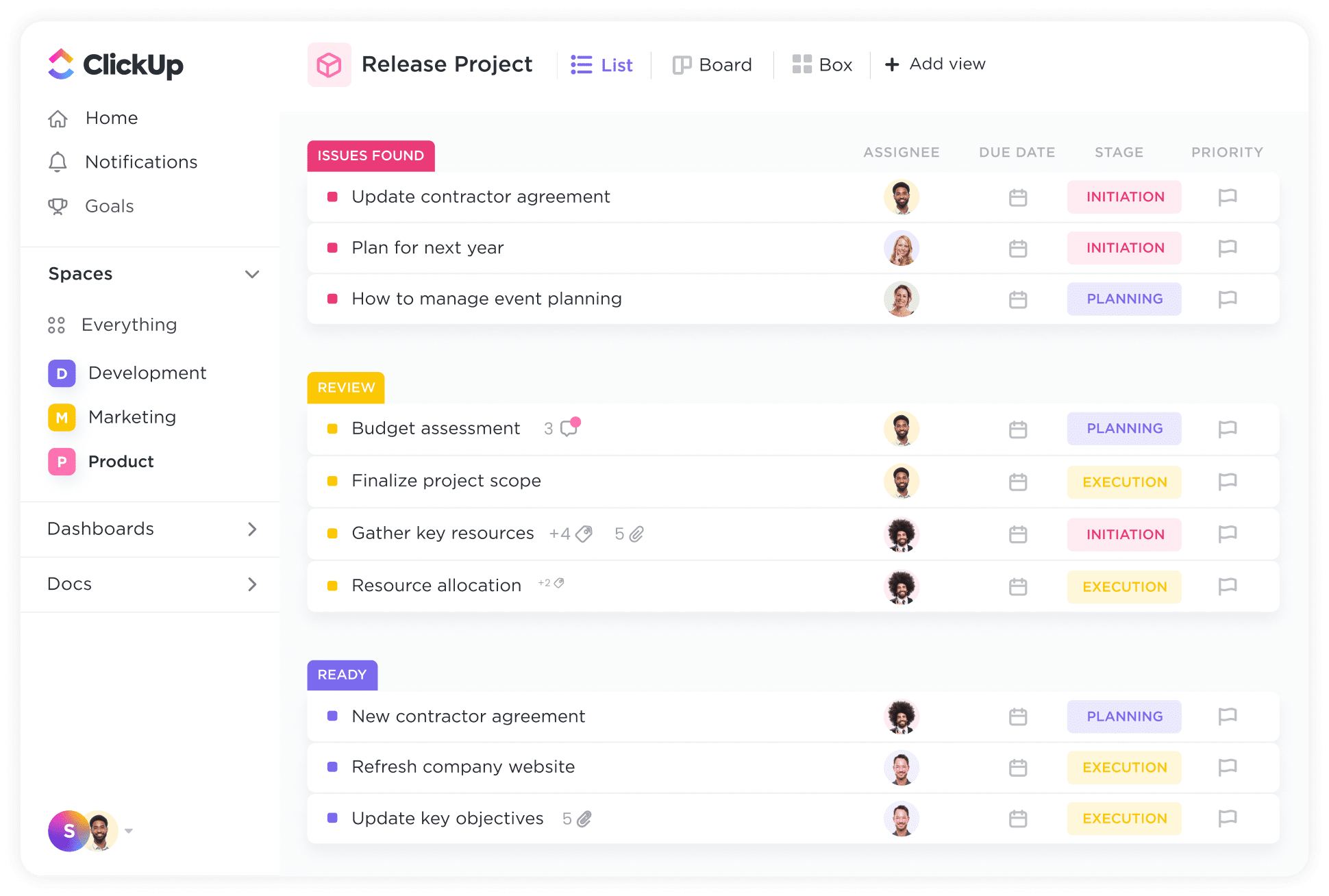
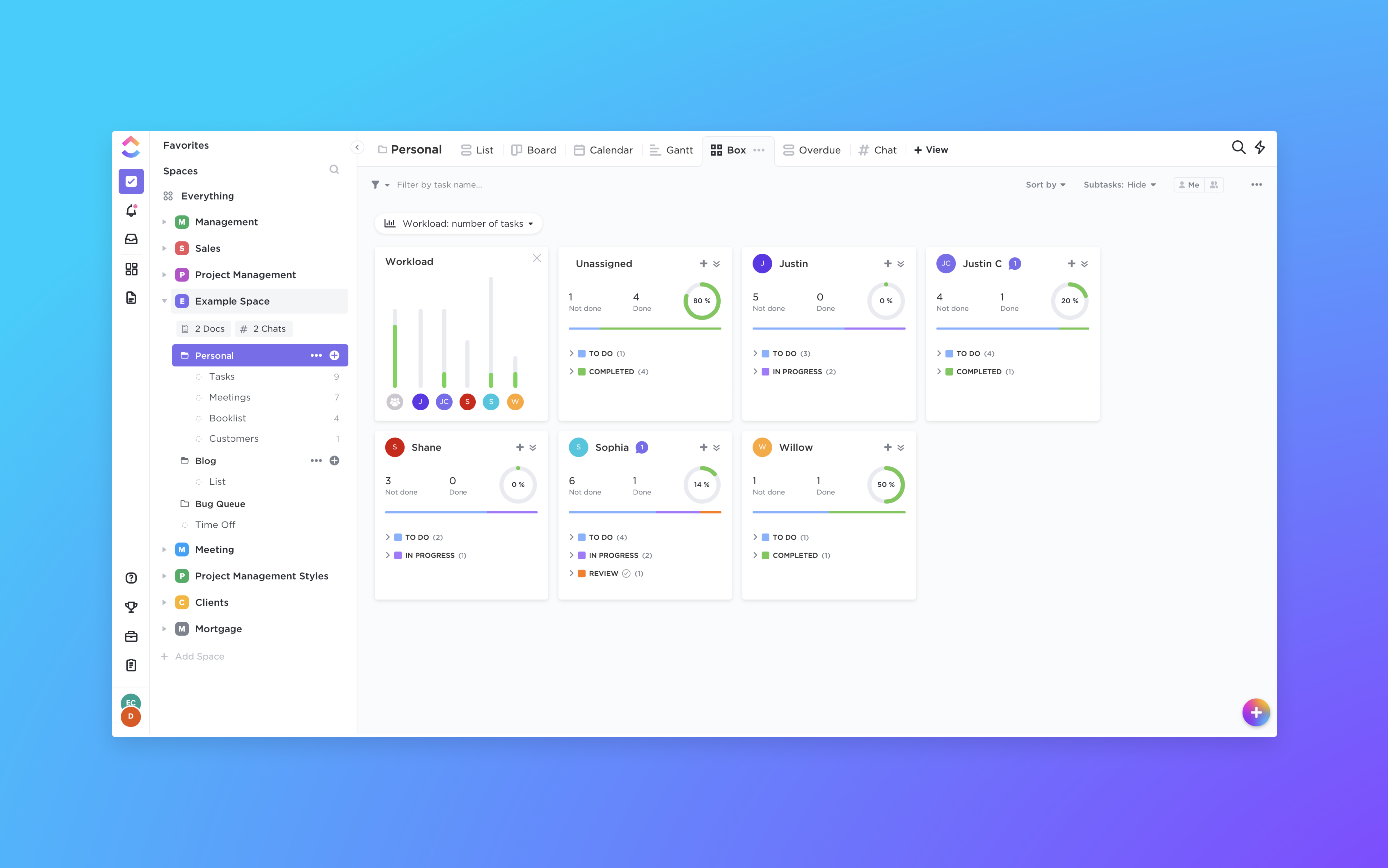
ClickUp's ambitious mission is "one app to replace them all"—consolidating project management, docs, wikis, goals, time tracking, and chat into a single platform. It targets teams frustrated by tool sprawl who want comprehensive functionality at aggressive pricing. The platform offers overwhelming customization through views, statuses, fields, and automations that adapt to any workflow. Teams choose ClickUp when they value feature density and cost efficiency over simplicity, accepting a steep learning curve for long-term flexibility. While power users love its depth, the complexity and rapid feature additions create stability concerns, making it polarizing among practitioners.
"ClickUp's ambitious mission is "one app to replace them all"—consolidating project management, docs, wikis, goals, time tracking, and chat into a single platform"
Screenshots



The Perfect Tool For...
- •Teams consolidating multiple tools (docs, tasks, time tracking, goals)
- •Startups and SMBs wanting enterprise features without enterprise pricing
- •Power users who love customization and keyboard shortcuts
- •Remote teams needing comprehensive collaboration in one place
- •Organizations willing to invest in setup for long-term efficiency
Avoid If...
- •You want simple, opinionated tools without configuration overhead
- •Your team resists change and complex onboarding
- •You need polished, bug-free software (ClickUp moves fast, breaks things)
- •Minimalism and focus are your priorities
- •You require enterprise-grade security and compliance certifications
Ideal Use Cases
Product Development Hub
Consolidate roadmaps, sprints, docs, and wikis in one workspace eliminating context switching between tools
Agency Client Management
Track projects, time, invoices, and client communications with custom dashboards per client
OKR Tracking
Set company goals, link to initiatives, and track progress with automated rollup and scoring
ClickUp has been recommended by Find Your Martech 21 times.
Detailed Evaluation
Organizational Fit for ClickUp
Early-stage start-up / solo
goodSmall team / agency
goodSMB / growing company
goodEstablished / large org
limitedFind Your Martech Scores for ClickUp
Q1: What will you mainly use the tool for?
Q2: How many people will collaborate in the tool?
Q3: How structured or complex are your workflows?
Q4: What matters more to you: simplicity or flexibility?
Q5: How important is planning over time (dates, timelines, dependencies)?
Key Features
Strengths
- Unbeatable value with free tier rivaling paid competitors
- Ridiculous depth of customization for every workflow
- Fast development cycle adds requested features quickly
- Strong community and templates accelerate setup
- Native integrations eliminate need for separate tools
Weaknesses
- Overwhelming feature set creates analysis paralysis
- Buggy releases and performance issues frustrate users
- Steep learning curve requires significant training investment
- Inconsistent mobile experience compared to desktop
- Unclear roadmap prioritization with scattered focus
Communication Tool Synergies — ClickUp
These are communication tools that work particularly well with ClickUp.
ClickUp tasks and updates flow into Slack for team visibility.
ClickUp integrates with Teams for enterprise collaboration.
ClickUp and Notion are commonly used together for tasks and documentation.
Design Tool Synergies — ClickUp
These are design tools that work particularly well with ClickUp.
Product and marketing teams connect design work directly to ClickUp tasks.
Ideation and planning sessions feed directly into execution tasks.
Content teams manage high-volume design output in ClickUp.
Cost Profile
🏷️ Mid-market · Free plan · Increases quickly
Generous free tier. Costs increase with users, automations, storage, and advanced permissions.
Alternatives
Explore More Reviews
Want Personalized Tool Recommendations?
Take our questionnaire to get customized recommendations based on your specific needs, team size, and budget.
Start the QuizStop Wasting Time on the Wrong Tools
Stop wasting time (and budget) testing endless marketing tools that don't actually fit your needs. Every business is different, your goals, team size, workflow, and growth stage all require a tailored solution, not a generic "top 10 tools" list. Our service helps you cut through the noise: a simple questionnaire-style quiz analyzes how you work and delivers clear, practical recommendations for the marketing tech that truly suits you.
