
Affinity Designer & Photo
Professional vector and raster design suite with one-time license model
Tool Overview
Tool Type
Professional vector and raster design suite
Core Purpose
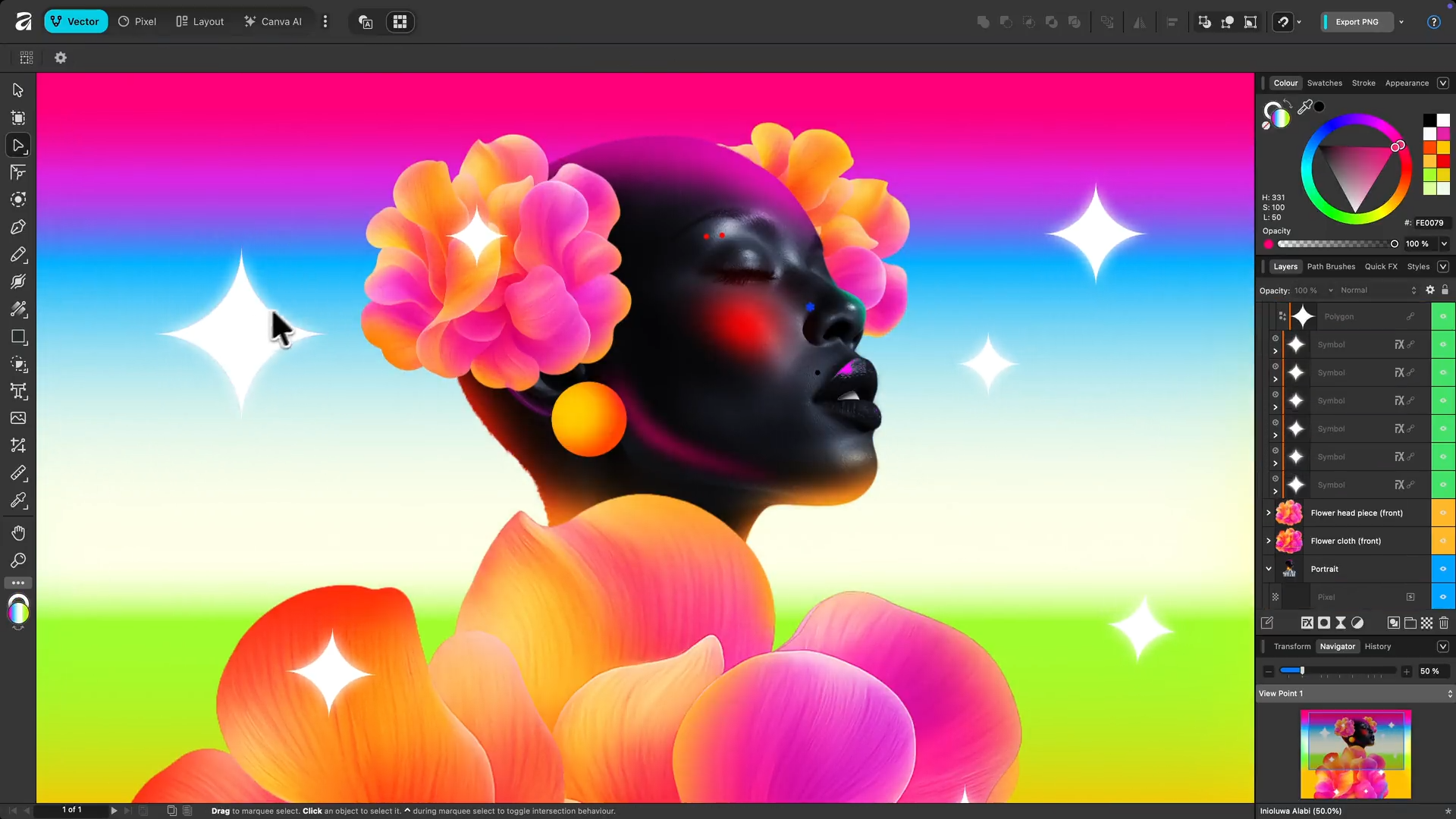
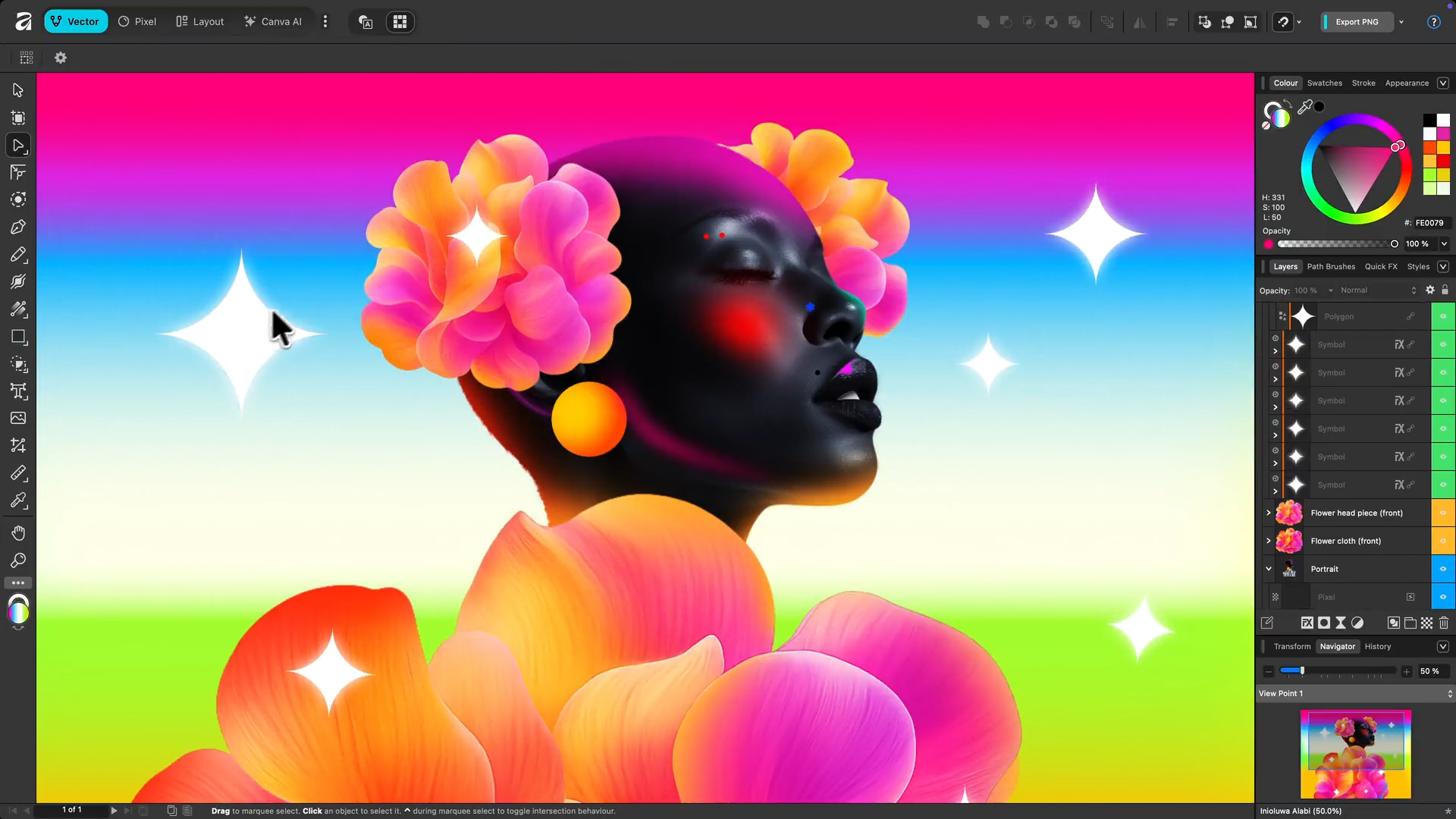
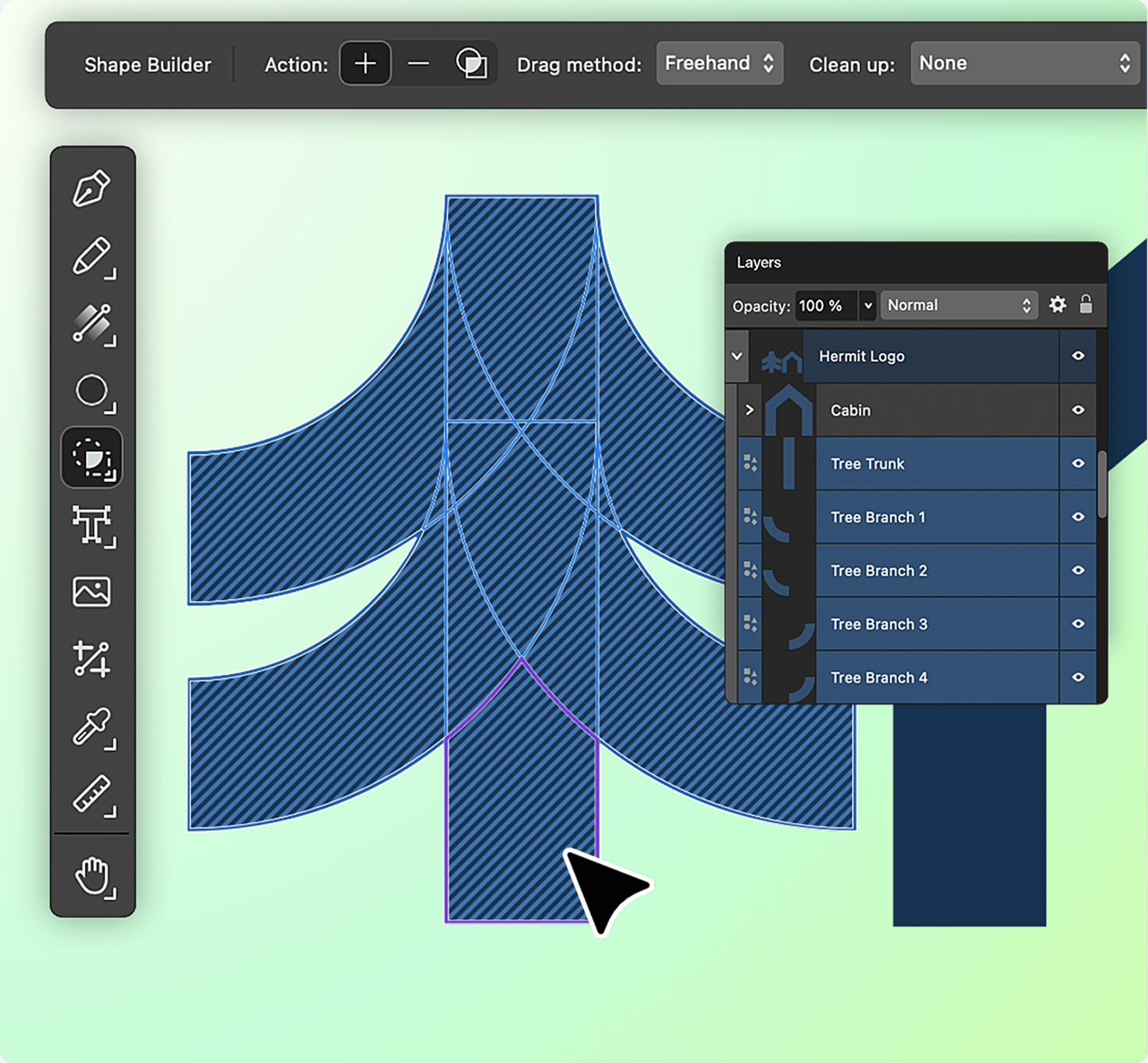
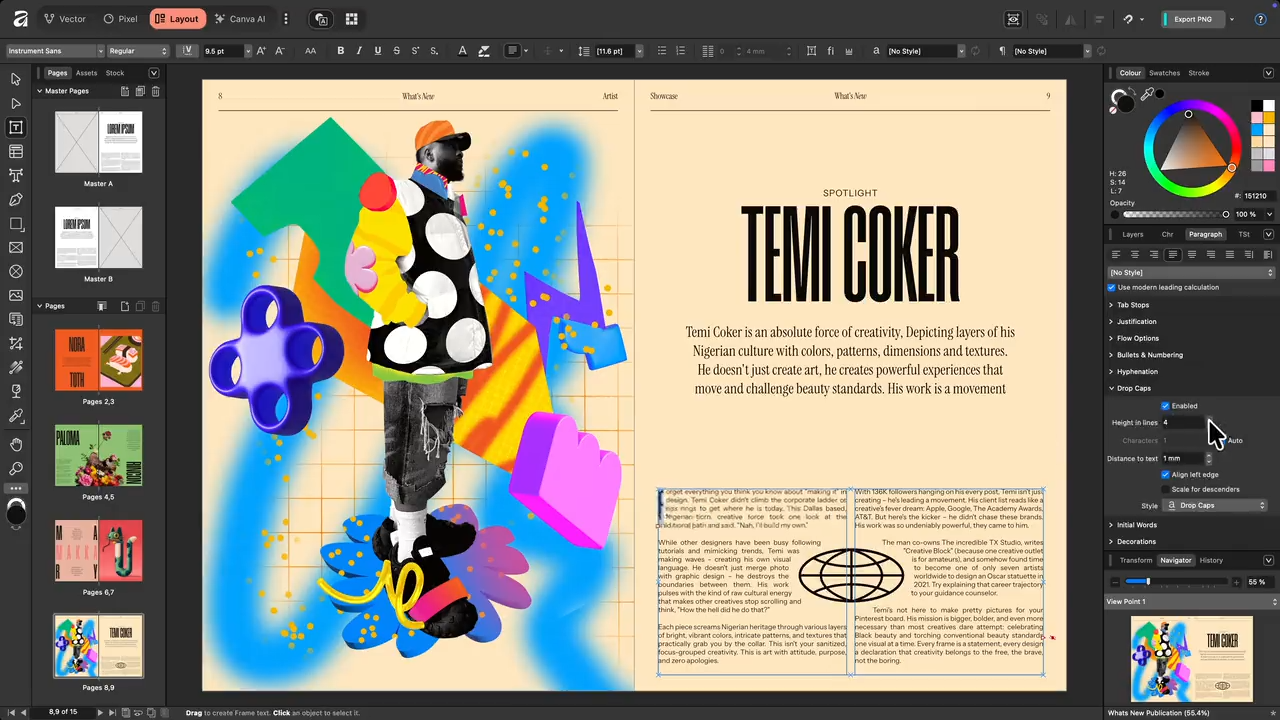
Affinity Designer and Affinity Photo together form a professional-grade alternative to Adobe Illustrator and Photoshop. Developed by Serif, the suite is positioned around performance, ownership, and a one-time purchase model rather than recurring subscriptions. Affinity Designer delivers robust vector editing with precise path control, snapping systems, symbols, multi-artboard workflows, and strong export flexibility. It handles branding systems, UI mockups, and print graphics with professional reliability. Affinity Photo complements this with advanced raster editing, including layer-based compositing, masking, RAW processing, HDR merging, and retouching workflows. For most photography and marketing production tasks, it achieves near-parity with Photoshop in practical execution. Performance is a key differentiator. Both applications are optimized for smooth desktop operation across macOS and Windows. Large files remain responsive, and the software avoids subscription-based licensing friction. Where Affinity does not compete at ecosystem level is integration and collaboration. It lacks Creative Cloud scale, real-time multiplayer editing, and deep enterprise governance tooling. Plugin ecosystems are smaller, and generative AI capabilities remain limited compared to Adobe's rapidly expanding AI stack. Across the broader design ecosystem, Affinity should be positioned as a high-value professional suite. It delivers serious production capability at a significantly lower lifetime cost. It does not command platform dominance, but it offers one of the strongest price-to-performance ratios available in professional design software.
"Affinity Photo complements this with advanced raster editing, including layer-based compositing, masking, RAW processing, HDR merging, and retouching workflows"
Screenshots
The Perfect Tool For...
- •Freelancers and small studios avoiding subscription pricing
- •Designers needing both vector and raster capabilities
- •Cost-sensitive creative professionals
Avoid If...
- •You require tight Adobe Creative Cloud integration
- •Real-time multiplayer collaboration is critical
- •You depend on large enterprise plugin ecosystems
Ideal Use Cases
Logo and brand identity design
Photo retouching and compositing
Print graphics and marketing materials
Detailed Evaluation
Key Features
Strengths
- Best price-to-performance ratio
- Exceptional desktop performance
- Professional-grade output quality
Weaknesses
- No cloud collaboration
- Limited AI capabilities
- Smaller plugin ecosystem
Alternatives
Explore More Reviews
Want Personalized Tool Recommendations?
Take our questionnaire to get customized recommendations based on your specific needs, team size, and budget.
Start the QuizStop Wasting Time on the Wrong Tools
Stop wasting time (and budget) testing endless marketing tools that don't actually fit your needs. Every business is different, your goals, team size, workflow, and growth stage all require a tailored solution, not a generic "top 10 tools" list. Our service helps you cut through the noise: a simple questionnaire-style quiz analyzes how you work and delivers clear, practical recommendations for the marketing tech that truly suits you.
