
Webflow
Visual web development platform with code-level control
Tool Overview
Tool Type
Visual web development platform giving designers code-level control without writing code
Core Purpose
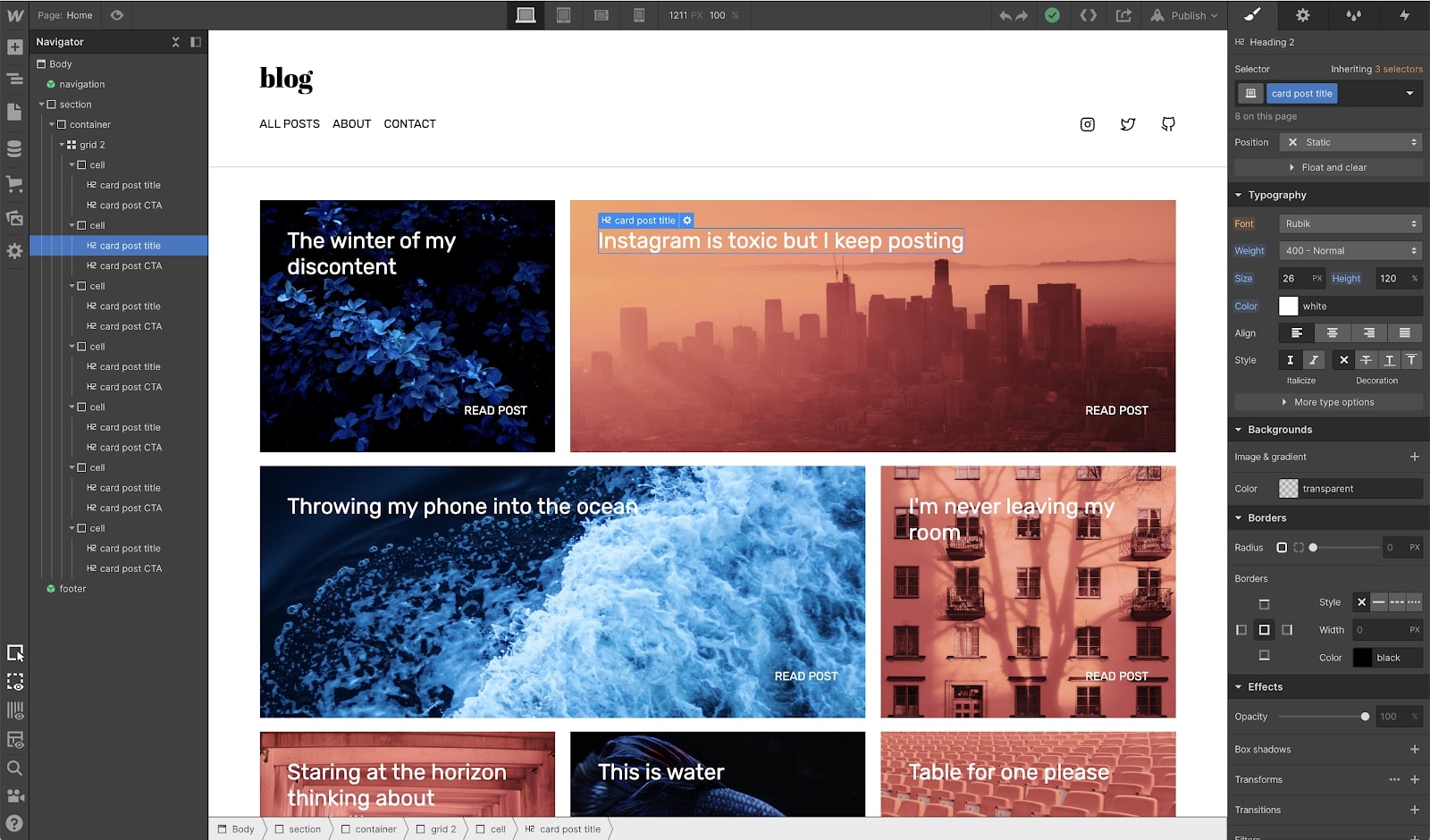
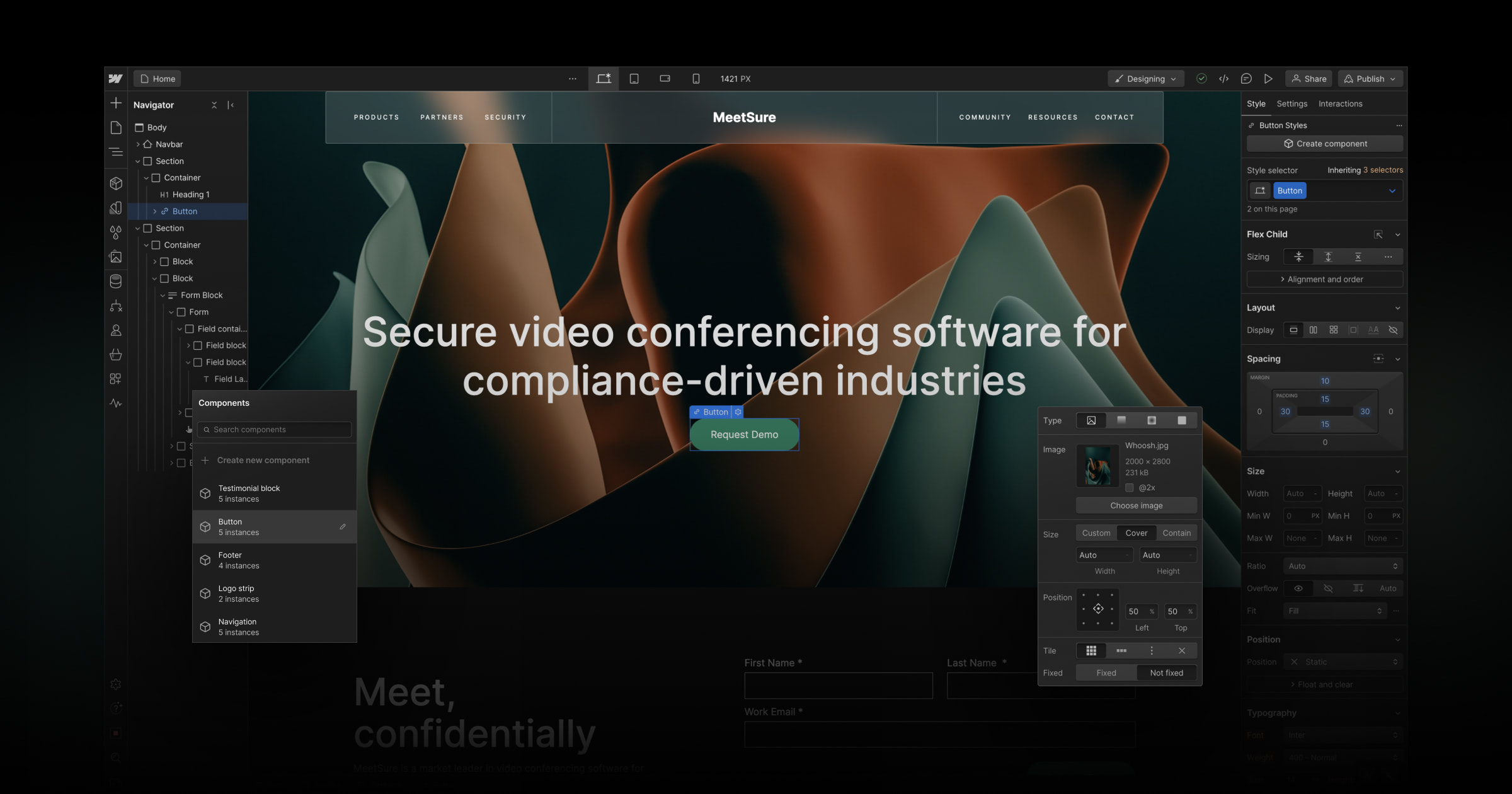
Webflow bridges professional web design and development by giving designers visual tools producing clean, exportable code. Unlike template builders limiting creativity or code editors requiring development skills, Webflow assumes designers want control without coding. The platform targets design-forward agencies and marketing teams wanting custom websites without engineering dependency. Webflow excels when design quality, custom interactions, and clean code output matter more than simplicity or e-commerce depth. It struggles when users lack design skills, when simple sites make visual complexity unnecessary, or when large e-commerce operations need Shopify ecosystem breadth.
"Unlike template builders limiting creativity or code editors requiring development skills, Webflow assumes designers want control without coding."
Screenshots


The Perfect Tool For...
- •Designers wanting to build custom websites without developer dependency
- •Agencies creating high-quality client websites with visual tools
- •Marketing teams wanting landing pages without engineering bottleneck
- •Organizations wanting CMS-powered sites with design flexibility
- •Teams needing pixel-perfect design control without template constraints
Avoid If...
- •Your team lacks design skills making visual builder complex to use
- •Simple website is sufficient and Webflow complexity is unjustified
- •Large e-commerce operation needs Shopify ecosystem depth
- •Budget constraints make Webflow pricing prohibitive for simple sites
- •Non-technical users need to maintain and edit site independently
Ideal Use Cases
Custom marketing websites
Building pixel-perfect marketing sites and landing pages with animations and interactions
CMS-powered content sites
Creating content-rich sites with dynamic collections for blogs, portfolios, and directories
Agency client delivery
Building and handing off custom client websites without developer involvement in design phase
Webflow has been recommended by Find Your Martech 18 times.
Detailed Evaluation
Organizational Fit for Webflow
Early-stage start-up / solo
limitedSmall team / agency
goodSMB / growing company
goodEstablished / large org
limitedFind Your Martech Scores for Webflow
Q1: What is your main goal for your website?
Q2: How comfortable are you with creating or editing websites?
Q3: How many people will work on the website?
Q4: What matters more to you: simplicity or flexibility?
Q5: How much content will you manage on the site?
Q6: How important are integrations and extensibility?
Key Features
Strengths
- Design freedom without template constraints or coding
- Produces clean, exportable code unlike other visual builders
- CMS powerful enough for complex content architectures
- Strong for custom animations and interactive experiences
- Used by design-forward agencies for professional client work
Weaknesses
- Steep learning curve compared to Wix or Squarespace
- Expensive for hosting compared to self-hosting alternatives
- E-commerce limited versus Shopify for large catalogues
- Overkill for simple brochure sites and basic web presence
- Non-designers struggle with CSS box model concepts required
CRM Tool Synergies — Webflow
These are CRM tools that work particularly well with Webflow.
Webflow forms and pages are commonly connected to HubSpot for lead capture and lifecycle automation.
Webflow sites use ActiveCampaign for email sequences and marketing automation.
Lightweight email capture workflows connect Webflow forms to Mailchimp audiences.
Analytics Tool Synergies — Webflow
These are analytics tools that work particularly well with Webflow.
GA4 is the primary analytics tool used by Webflow teams for marketing and conversion tracking.
Product-style Webflow sites and SaaS marketing sites use Amplitude for behavior-driven analysis.
Event-based tracking is commonly layered on Webflow for funnel and activation analysis.
Automatic event capture complements Webflow's visual build model for rapid insights.
Webflow sites increasingly use PostHog for combined web and product analytics.
Design Tool Synergies — Webflow
These are design tools that work particularly well with Webflow.
Figma-to-Webflow is a standard workflow for modern marketing and SaaS websites.
Ideation and page planning workflows feed directly into site builds.
Marketing teams adapt pitch-style storytelling into Webflow landing pages.
Narrative-first landing pages borrow structure from Gamma-style documents.
Cost Profile
💚 ⚠️ Mid cost · Free to start · Scales steeply
Alternatives
Explore More Reviews
Want Personalized Tool Recommendations?
Take our questionnaire to get customized recommendations based on your specific needs, team size, and budget.
Start the QuizStop Wasting Time on the Wrong Tools
Stop wasting time (and budget) testing endless marketing tools that don't actually fit your needs. Every business is different, your goals, team size, workflow, and growth stage all require a tailored solution, not a generic "top 10 tools" list. Our service helps you cut through the noise: a simple questionnaire-style quiz analyzes how you work and delivers clear, practical recommendations for the marketing tech that truly suits you.
