
SharePoint
Enterprise content management and collaboration platform
Tool Overview
Tool Type
Enterprise content management and collaboration platform
Core Purpose
SharePoint exists as the enterprise document and content management backbone for Microsoft 365 organizations. Unlike simple file sharing tools, SharePoint handles complex permission structures, metadata, workflows, and governance at massive scale. It assumes large organizations need centralized control over content with departmental flexibility. SharePoint excels when enterprise document management, intranet needs, and Office integration justify its complexity and administrative overhead. It struggles when teams want simple file sharing or when SharePoint's steep learning curve and configuration requirements create more friction than value for smaller, simpler use cases.
"It struggles when teams want simple file sharing or when SharePoint's steep learning curve and configuration requirements create more friction than value for smaller, simpler use cases"
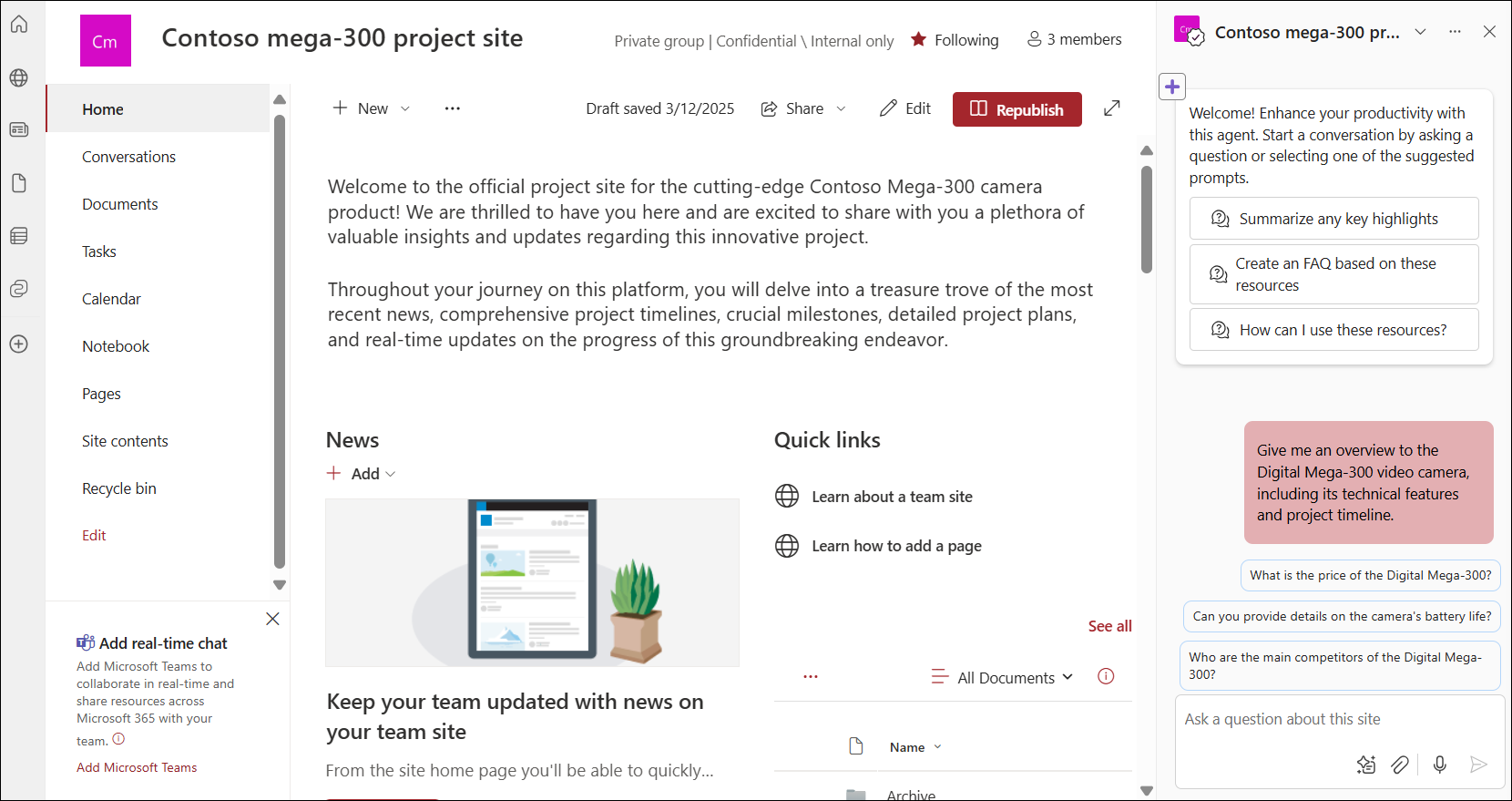
Screenshots
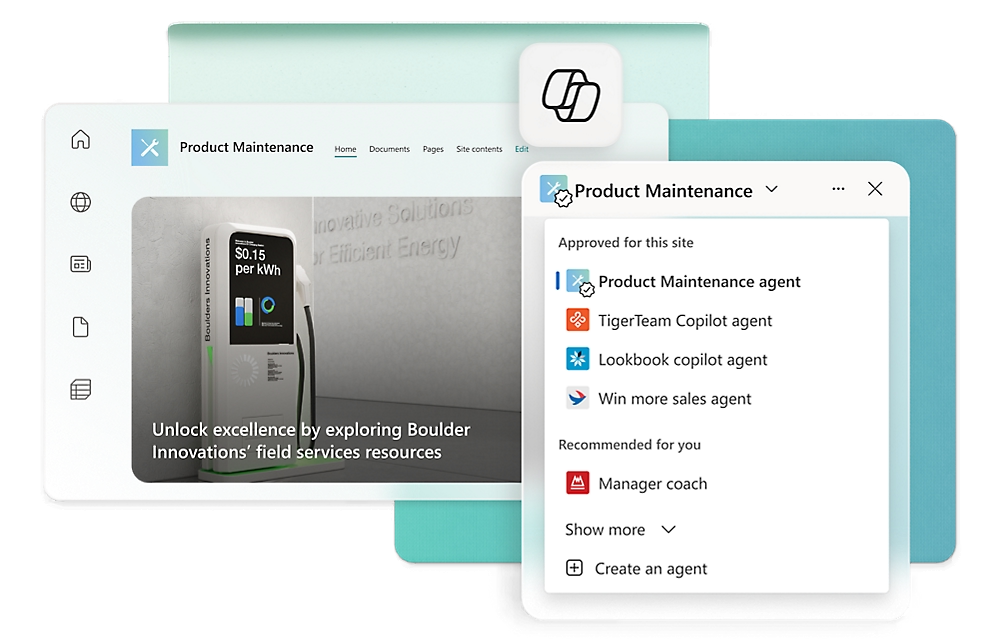
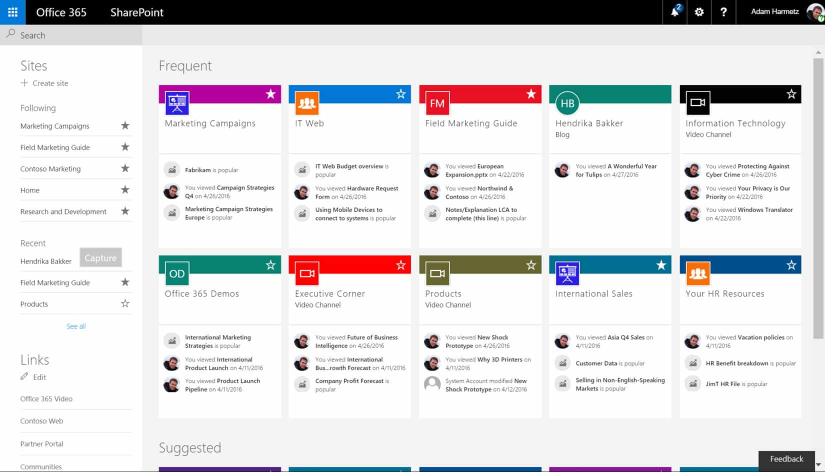
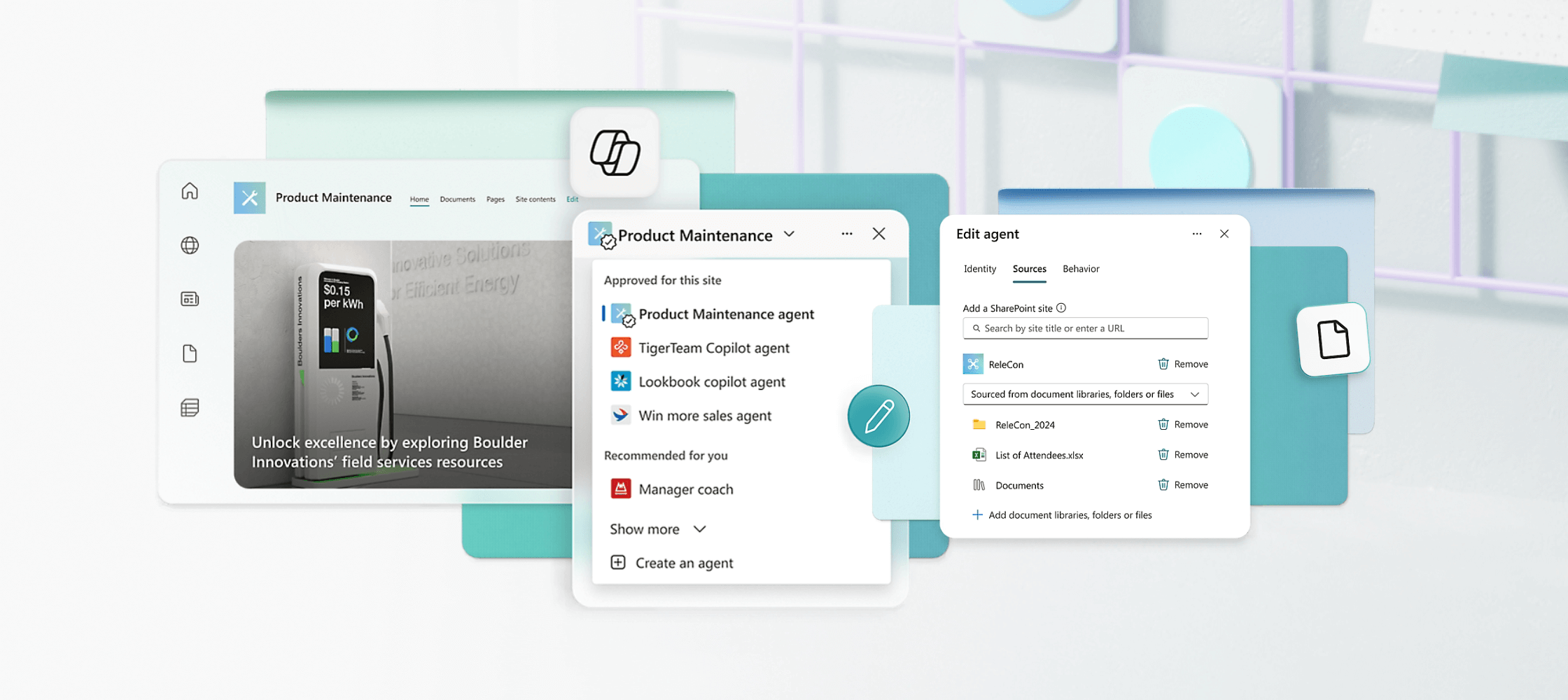

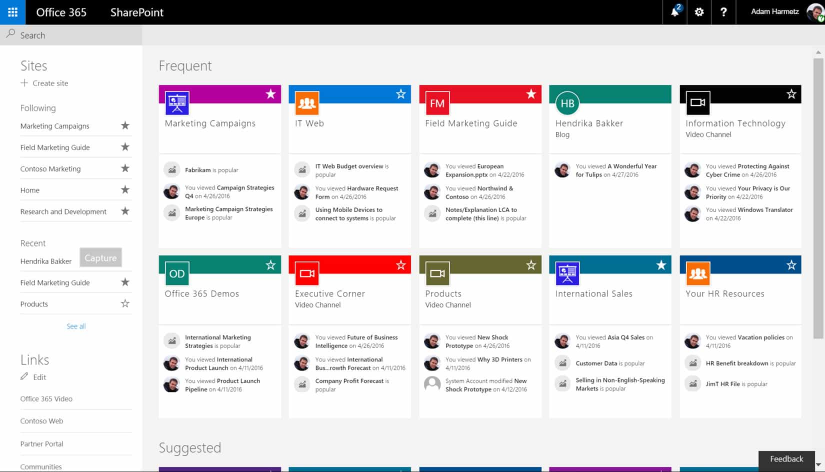
The Perfect Tool For...
- •Large enterprises already committed to Microsoft 365 ecosystem
- •Organizations requiring robust document management and governance
- •Companies needing intranet sites and departmental portals
- •Enterprises with complex permission structures and compliance needs
- •IT departments managing document libraries across thousands of users
Avoid If...
- •Your organization uses Google Workspace or other productivity suites
- •Team is small and does not need enterprise document management
- •You want simple, modern file sharing without configuration complexity
- •Budget constraints prevent Microsoft 365 enterprise licensing
- •Team lacks SharePoint expertise for setup and ongoing administration
Ideal Use Cases
Enterprise document management
Managing thousands of documents with version control, permissions, and metadata across departments and business units
Company intranet and portals
Building internal websites for departments, projects, and teams with customized branding and workflows
Compliance and records management
Implementing retention policies, audit trails, and compliance workflows for regulated industries
SharePoint has been recommended by Find Your Martech 10 times.
Detailed Evaluation
Organizational Fit for SharePoint
Early-stage start-up / solo
badSmall team / agency
limitedSMB / growing company
goodEstablished / large org
goodFind Your Martech Scores for SharePoint
Q1 Primary Purpose - What is the main role you want this tool to play for your team?
Q2 Who will you mainly communicate with in this tool?
Q3 How do conversations usually happen in your team?
Q4 How important is it that this tool integrates smoothly with the tools your team already uses?
Q5 How important is it that the tool is simple and easy for everyone to use?
Key Features
Strengths
- Unmatched enterprise document management capabilities at scale
- Deep Microsoft 365 integration creates unified productivity environment
- Robust governance, compliance, and audit features
- Handles complex permission structures across large organizations
- Bundled with Office 365 makes marginal cost essentially zero
Weaknesses
- Steep learning curve for both users and administrators
- Configuration complexity requires dedicated SharePoint expertise
- User experience dated and clunky compared to modern alternatives
- Overkill for simple file sharing and small team collaboration
- Performance issues and sync problems frustrate end users
Survey Tool Synergies — SharePoint
These are tools from other categories that work particularly well with SharePoint.
Survey data is commonly stored or referenced in SharePoint for enterprise reporting and compliance.
Form responses are often stored or processed within SharePoint environments in Microsoft-centric teams.
Productboard outputs are commonly referenced in SharePoint within enterprise environments.
Survey outputs are often stored or referenced in SharePoint for enterprise use cases.
Feedback data is often centralized in SharePoint for reporting and governance.
Workflow/PM Tool Synergies — SharePoint
These are workflow and project management tools that work particularly well with SharePoint.
Microsoft Project documents and plans are stored in SharePoint.
Formal documentation and assets are managed centrally in SharePoint.
Enterprise governance workflows depend on SharePoint repositories.
Documents and approvals live inside Microsoft ecosystems.
Cost Profile
Enterprise · Paid via suite · Predictable
Sold as part of Microsoft enterprise plans. Pricing is license-based and typically stable once contracted.
Alternatives
Explore More Reviews
Want Personalized Tool Recommendations?
Take our questionnaire to get customized recommendations based on your specific needs, team size, and budget.
Start the QuizStop Wasting Time on the Wrong Tools
Stop wasting time (and budget) testing endless marketing tools that don't actually fit your needs. Every business is different, your goals, team size, workflow, and growth stage all require a tailored solution, not a generic "top 10 tools" list. Our service helps you cut through the noise: a simple questionnaire-style quiz analyzes how you work and delivers clear, practical recommendations for the marketing tech that truly suits you.
