
Hotjar
Behavior analytics with heatmaps, recordings, and feedback
Tool Overview
Tool Type
Website behavior analytics and feedback
Core Purpose
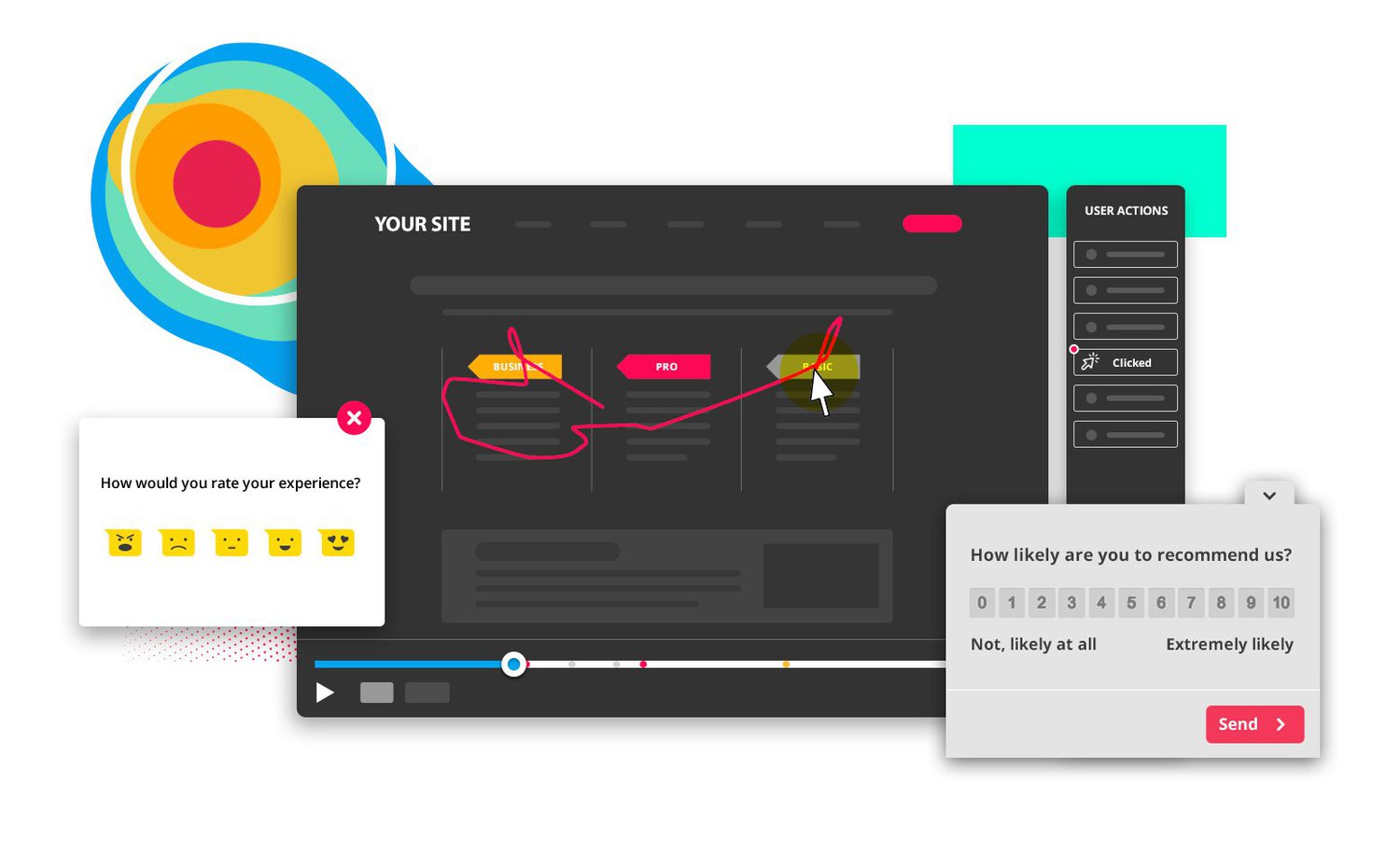
Hotjar bridges quantitative and qualitative analytics, showing not just what users do but why through recordings, heatmaps, and feedback. Unlike pure analytics tools, Hotjar emphasizes human behavior-watching sessions, seeing rage clicks, and hearing user voices. Teams choose Hotjar when they need to understand user frustration and confusion that metrics alone can't explain. The platform excels at diagnosing conversion issues and UX problems through visual evidence that builds stakeholder consensus. Its accessibility makes behavior analytics approachable for non-analysts, though privacy concerns and session limits require careful consideration for high-traffic sites.
"Hotjar bridges quantitative and qualitative analytics, showing not just what users do but why through recordings, heatmaps, and feedback"
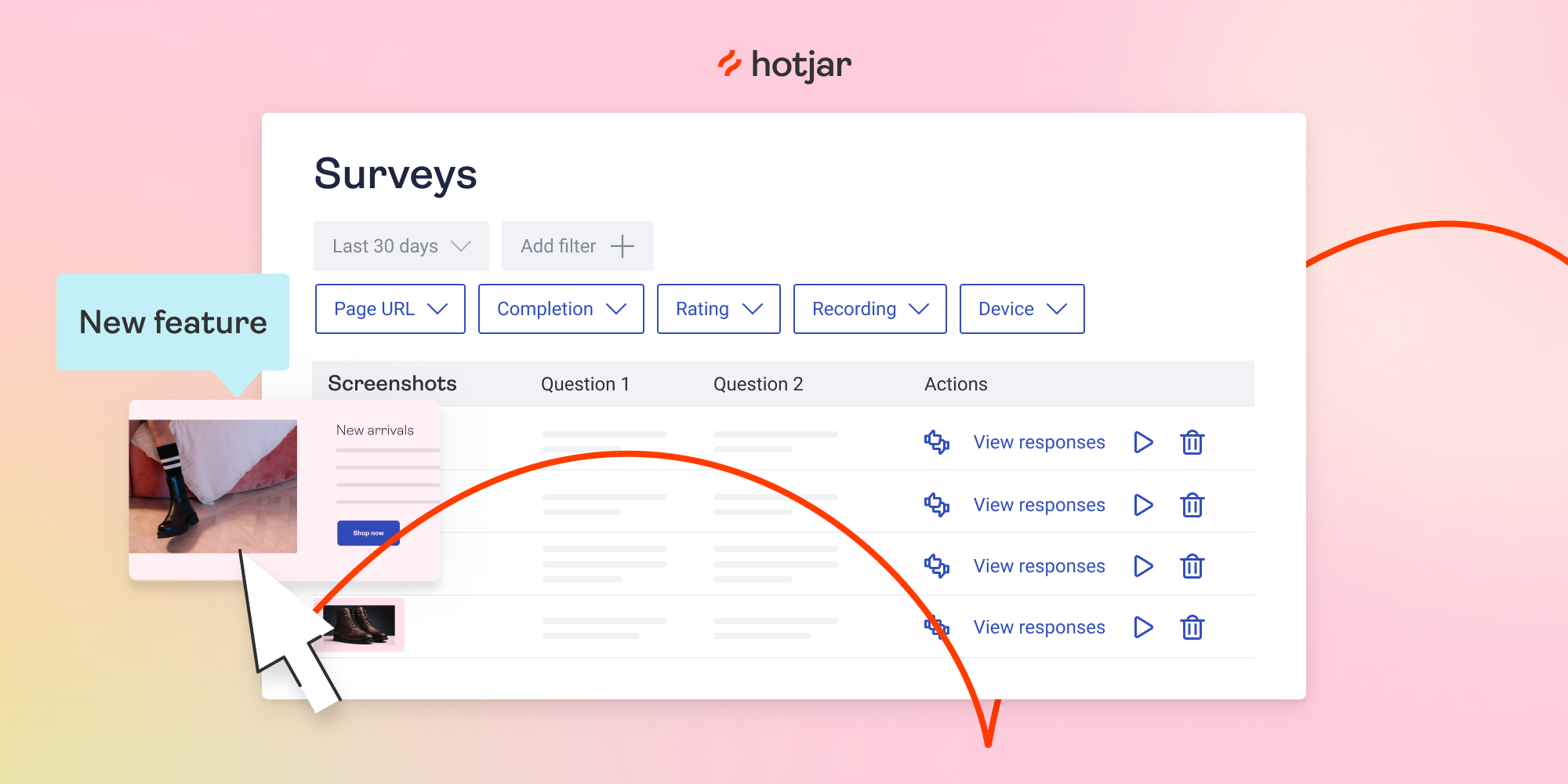
Screenshots
The Perfect Tool For...
- •Product teams understanding why users behave certain ways
- •UX designers identifying friction points and usability issues
- •Marketing teams optimizing landing pages and conversion funnels
- •E-commerce sites reducing cart abandonment
- •SaaS companies improving onboarding flows
Avoid If...
- •You only need surveys without behavior tracking
- •Privacy concerns around session recording are deal-breakers
- •Budget is tight (pricing $32-$80+/month based on pageviews)
- •Your site has extremely high traffic (session limits get expensive)
- •You need deep product analytics like Amplitude or Mixpanel
Ideal Use Cases
Conversion Rate Optimization
Watch session recordings to identify where users get confused and abandon checkout or signup flows
UX Research
Combine heatmaps, recordings, and on-page surveys to understand user struggles and validate design changes
Feature Discovery
Use incoming feedback widgets to capture user requests and pain points contextually on specific pages
Hotjar has been recommended by Find Your Martech 13 times.
Detailed Evaluation
Organizational Fit for Hotjar
Early-stage start-up / solo
limitedSmall team / agency
goodSMB / growing company
goodEstablished / large org
goodFind Your Martech Scores for Hotjar
Q1: What is your primary goal for collecting feedback?
Q2: Where do you want to collect feedback? (Multiple selections possible)
Q3: What type of survey experience do you prefer? (Multiple selections possible)
Q4: How important are integrations & automation?
Q5: What is your technical comfort level?
Q6: How large or complex is your audience?
Key Features
Strengths
- Session recordings provide "aha moments" that raw data cannot
- Intuitive interface makes behavior analytics accessible to everyone
- Combines multiple research methods in one affordable platform
- Strong filtering lets you segment recordings by user attributes
- GDPR-compliant with privacy controls and data masking
Weaknesses
- Session recording limits based on pageviews can be restrictive
- Privacy concerns require careful implementation and consent
- Survey features basic compared to dedicated survey tools
- Performance impact on high-traffic sites requires monitoring
- Lacks advanced product analytics and event tracking depth
Cost Profile
🏷️ Mid-market · Free plan · Increases quickly
Free tier available. Costs scale with sessions, recordings, and feedback volume.
Alternatives
Explore More Reviews
Want Personalized Tool Recommendations?
Take our questionnaire to get customized recommendations based on your specific needs, team size, and budget.
Start the QuizStop Wasting Time on the Wrong Tools
Stop wasting time (and budget) testing endless marketing tools that don't actually fit your needs. Every business is different, your goals, team size, workflow, and growth stage all require a tailored solution, not a generic "top 10 tools" list. Our service helps you cut through the noise: a simple questionnaire-style quiz analyzes how you work and delivers clear, practical recommendations for the marketing tech that truly suits you.
