

eClincher
Comprehensive social media management platform combining scheduling, automation, and unified inbox for power users
Tool Overview
Tool Type
Comprehensive social media management platform for power users
Core Purpose
eClincher positions itself as the power user platform for teams wanting maximum automation and efficiency features. Unlike simple schedulers, eClincher provides extensive automation, bulk operations, and smart queues for managing high volumes. It assumes social media managers want efficiency through automation rather than simplicity. eClincher targets agencies and dedicated social media managers handling substantial workloads. The platform excels when automation depth, bulk features, and efficiency tools matter more than interface simplicity or budget constraints. It struggles when teams want straightforward tools or when feature density creates complexity outweighing efficiency benefits.
"The platform excels when automation depth, bulk features, and efficiency tools matter more than interface simplicity or budget constraints"
Screenshots
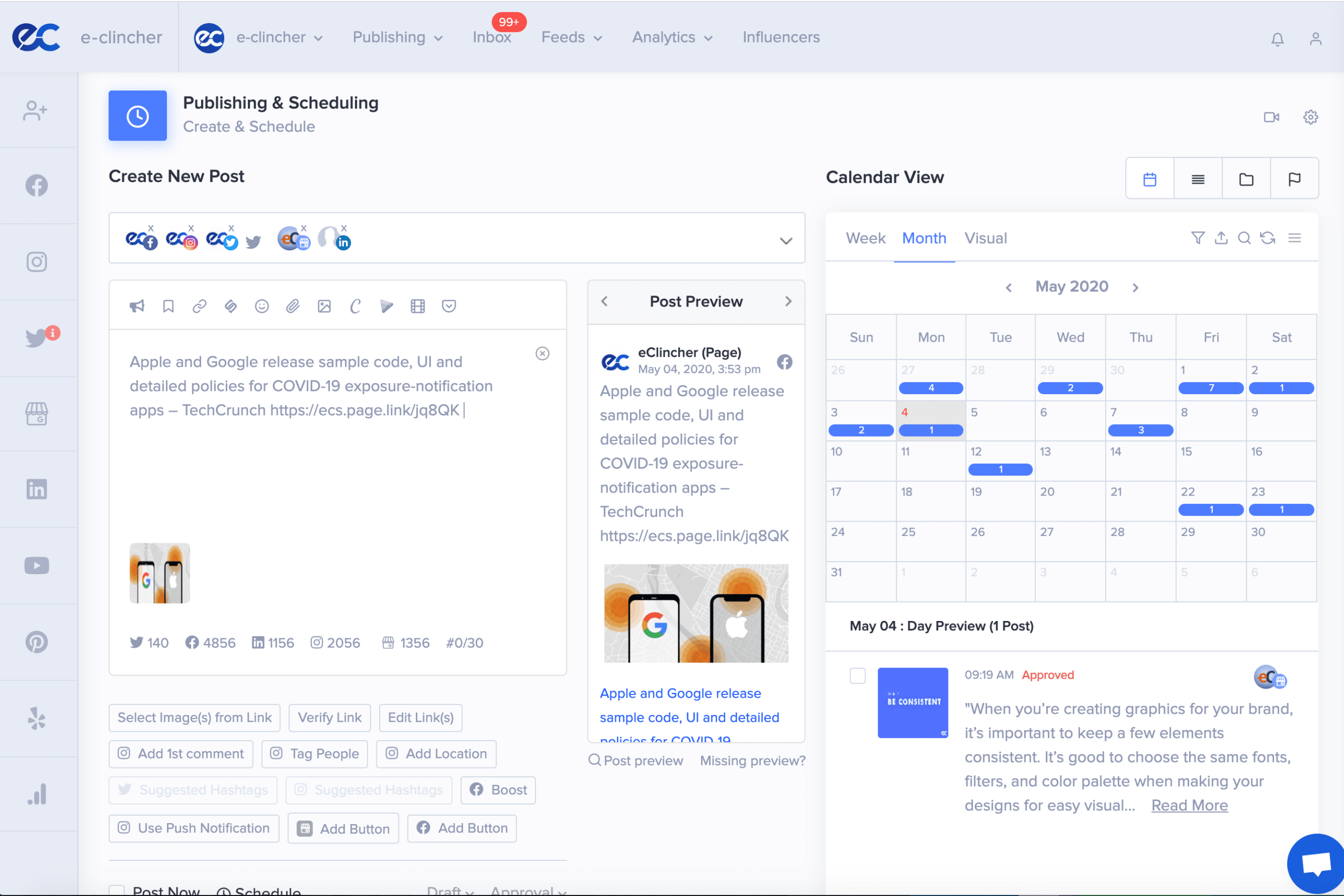
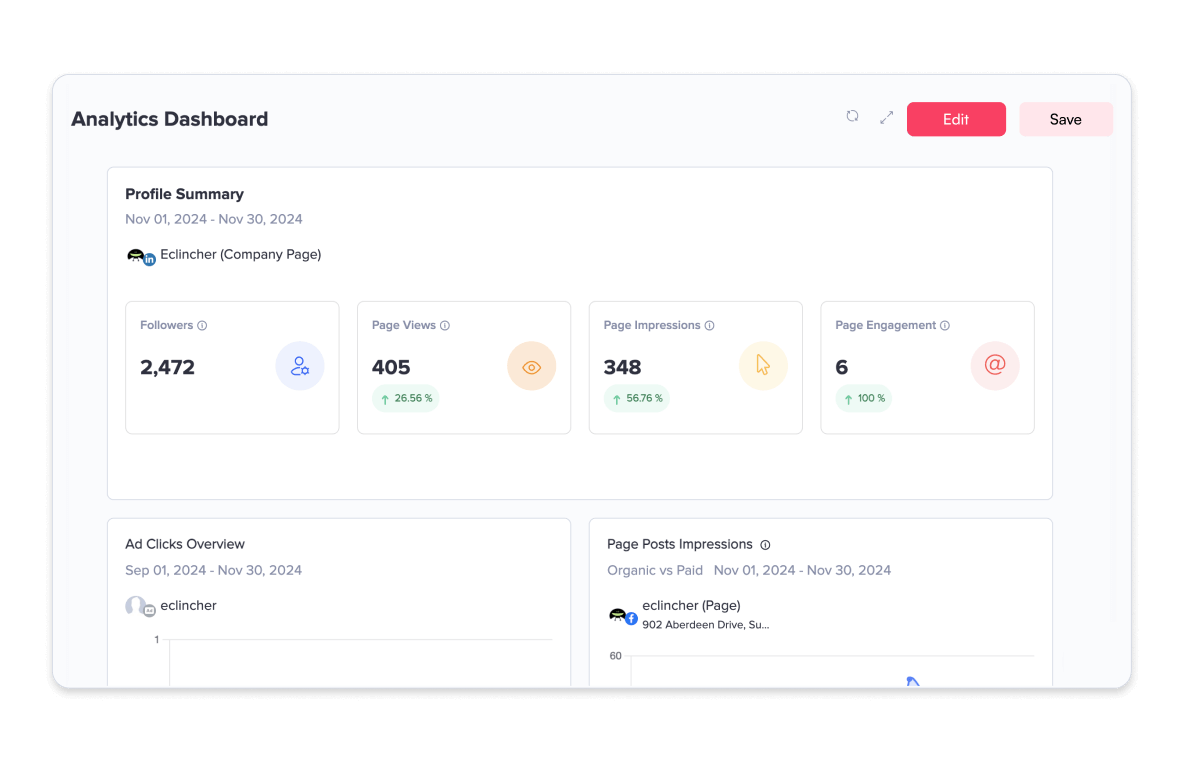

The Perfect Tool For...
- •Power users wanting extensive automation and bulk features
- •Agencies needing comprehensive platform with strong automation
- •Teams managing high volumes of social content and engagement
- •Organizations wanting unified inbox with smart automation
- •Social media managers prioritizing efficiency through automation
Avoid If...
- •You want simple, straightforward scheduling without complexity
- •Budget is limited and simpler tools meet needs
- •Team is small and automation features are unnecessary
- •You prioritize modern interface over feature density
- •Instagram-specific optimization matters more than automation breadth
Ideal Use Cases
Automated social engagement
Using smart queues and automation to respond to mentions and engage with audience at scale
Bulk content scheduling
Uploading and scheduling large volumes of content efficiently through bulk features
Unified inbox management
Managing messages and comments across platforms through single inbox with automation
eClincher has been recommended by Find Your Martech 47 times.
Detailed Evaluation
Organizational Fit for eClincher
Early-stage start-up / solo
limitedSmall team / agency
goodSMB / growing company
goodEstablished / large org
limitedFind Your Martech Scores for eClincher
Q1: What do you mainly want to use a social media management tool for?
Q2: How many social profiles do you need to manage in total?
Q3: Which platforms do you need the tool to support?
Q4: How many people will work inside the tool?
Q5: What level of reporting & analytics do you need?
Q6: What level of complexity can you handle?
Key Features
Strengths
- Extensive automation features for efficiency
- Strong unified inbox with smart capabilities
- Bulk operations save time for high-volume users
- Comprehensive feature set covers most needs
- Good for agencies managing multiple accounts
Weaknesses
- Interface complex due to feature density
- Learning curve steep for new users
- Pricing higher than simpler alternatives
- Can feel overwhelming for basic scheduling needs
- Feature breadth creates complexity for small teams
Cost Profile
Mid-market · Free trial · Predictable
Pricing based on users and profiles. Costs increase steadily as usage expands.
Alternatives
Explore More Reviews
Want Personalized Tool Recommendations?
Take our questionnaire to get customized recommendations based on your specific needs, team size, and budget.
Start the QuizStop Wasting Time on the Wrong Tools
Stop wasting time (and budget) testing endless marketing tools that don't actually fit your needs. Every business is different, your goals, team size, workflow, and growth stage all require a tailored solution, not a generic "top 10 tools" list. Our service helps you cut through the noise: a simple questionnaire-style quiz analyzes how you work and delivers clear, practical recommendations for the marketing tech that truly suits you.
